AAF Look
Press space.
Read the turnover.
The fastest way to read an AAF turnover: select it in the Finder and press space. AAF Look renders the full report instantly, right in QuickLook, with no app to open. Launch the app when you want to dig in or export a PDF.
$20 once. No subscription, no account, and no internet connection required: not to activate, not to keep working. The 14-day trial is the complete app, so you can be sure before you pay. If it is not for you, there is a no-hassle 14-day refund policy.
Select an AAF in the Finder, press space, and the full report renders right there in about 0.7 seconds. No app to open, no import, no spinner. The answer is one keystroke away, and this QuickLook preview works forever whether or not the app is licensed.
That speed is the engine doing the work right on your Mac: native, in-process, with nothing to spin up first.
Spacebar on a real turnover, not a staged one: 4.4 GB, 34 tracks, 4,073 clips. The AAF Look QuickLook extension parses and renders it in about 0.7 seconds. Typical turnovers open in under a second.
- Demo file4.4 GB
- Parse0.7 s
- Download5 MB
- Networknone required
- Enginenative Swift
Available now /aaflook
AAF Look
The full inspection, in a fast native Mac app.
Every turnover starts with the same question: what is actually in this AAF? Opening a session to find out is slow, and opening someone else's AAF in your NLE just to read it is worse. AAF Look answers from the Finder, before you import anything.
The report covers what a sound editor actually wants to know: every track and clip with timecode in and out, markers, source files, audio format (sample rate, bit depth, channel count), whether and where audio effects were already rendered, and whether media is embedded or linked.
- Full inspection: tracks, clips, timecode, markers, source files, audio properties.
- Export a clean PDF: reorder the sections, then send it with the turnover. Prints just as cleanly on Letter or A4.
- A native-Swift engine, built and tuned in-house: a 4.4 GB turnover reads in under a second, with no cloud and nothing to wait on.
- Your media never leaves the machine. Works entirely offline, licensing included.
The whole turnover, nothing skipped.
AAF Look reads the entire AAF and lays it out as one report you scroll straight through: every track, every clip with timecode in and out, every marker, and every source file. What is in the turnover is in the report.
- Show or hide any section, so the report carries exactly what the next person needs and nothing they do not.
- Reorder the sections into whatever reading order suits the show.
- Flags where audio has already been rendered, and on which clips, so nothing baked in surprises you downstream.
- Put your own logo and company name at the top of the report, on screen and in the PDF, so what you send out reads as yours.
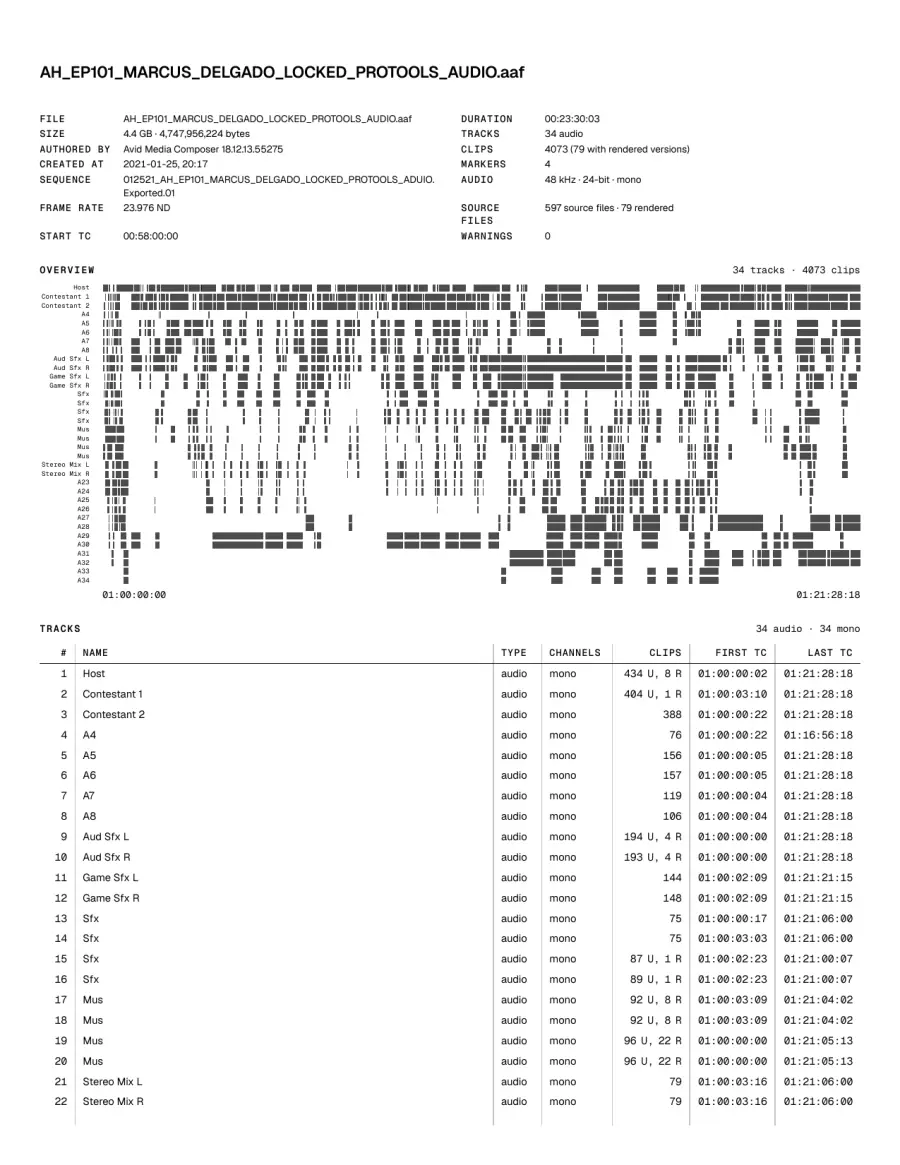
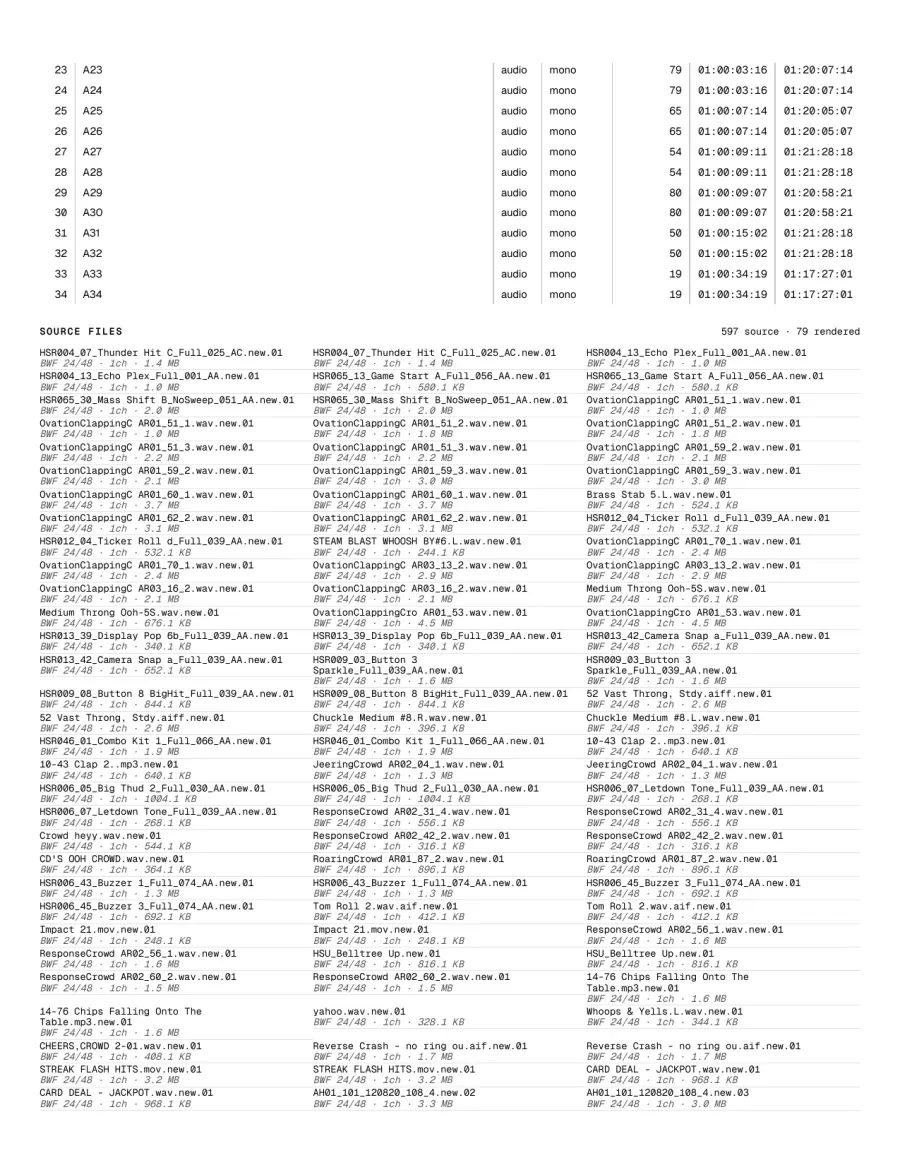
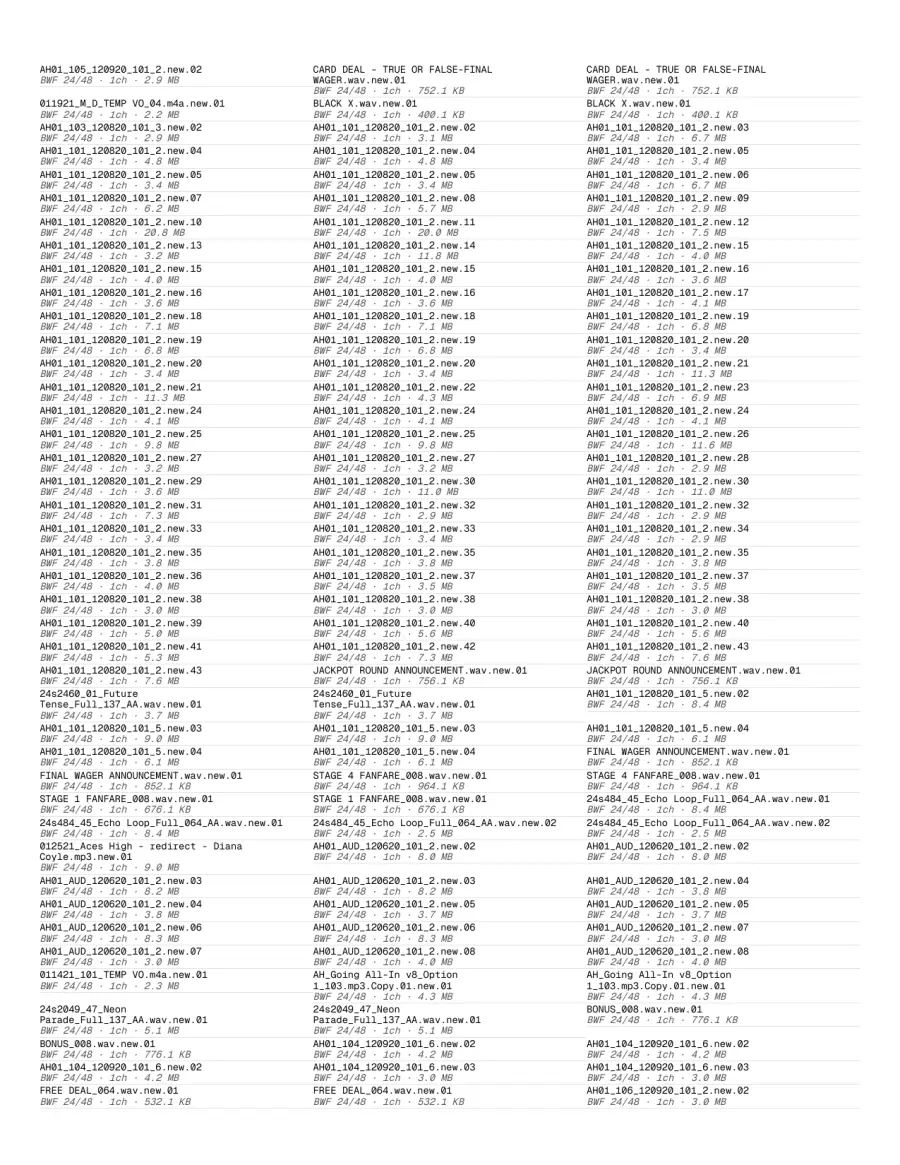
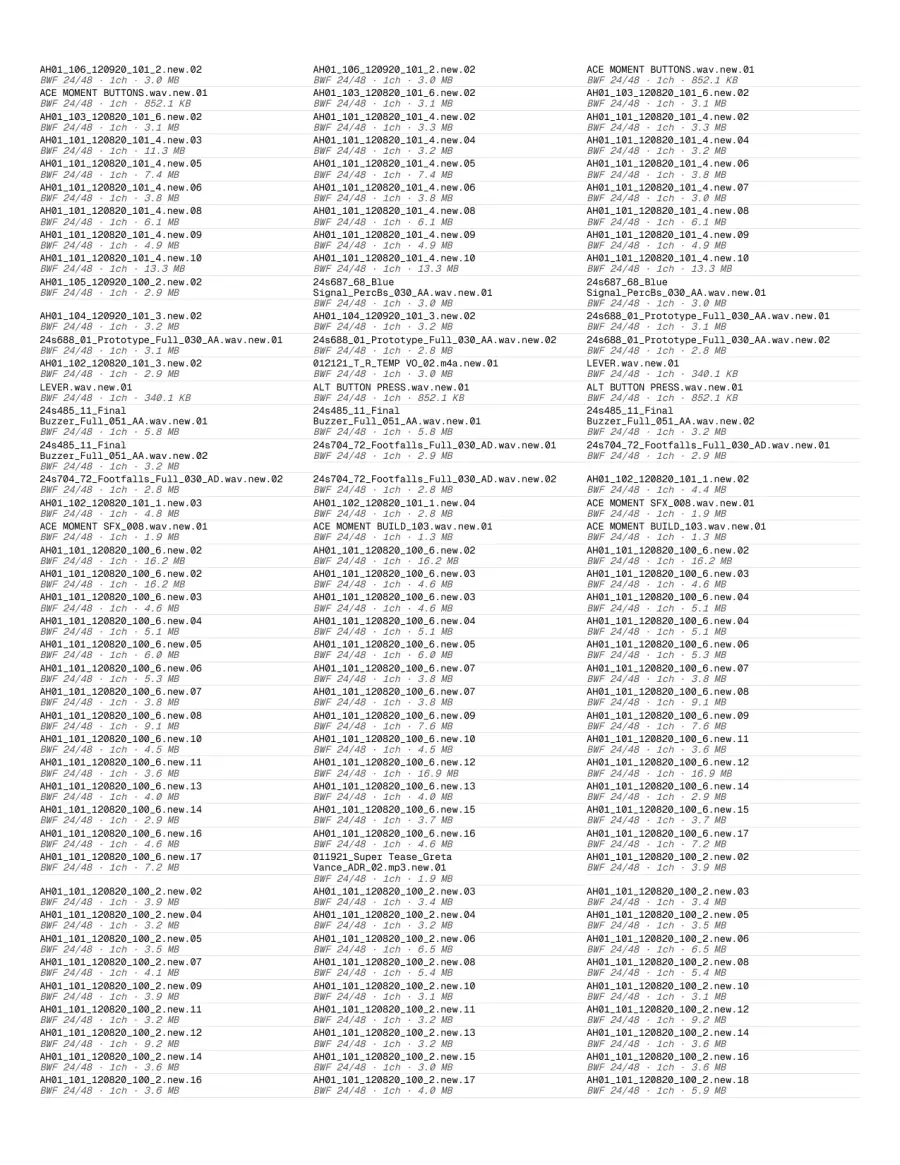
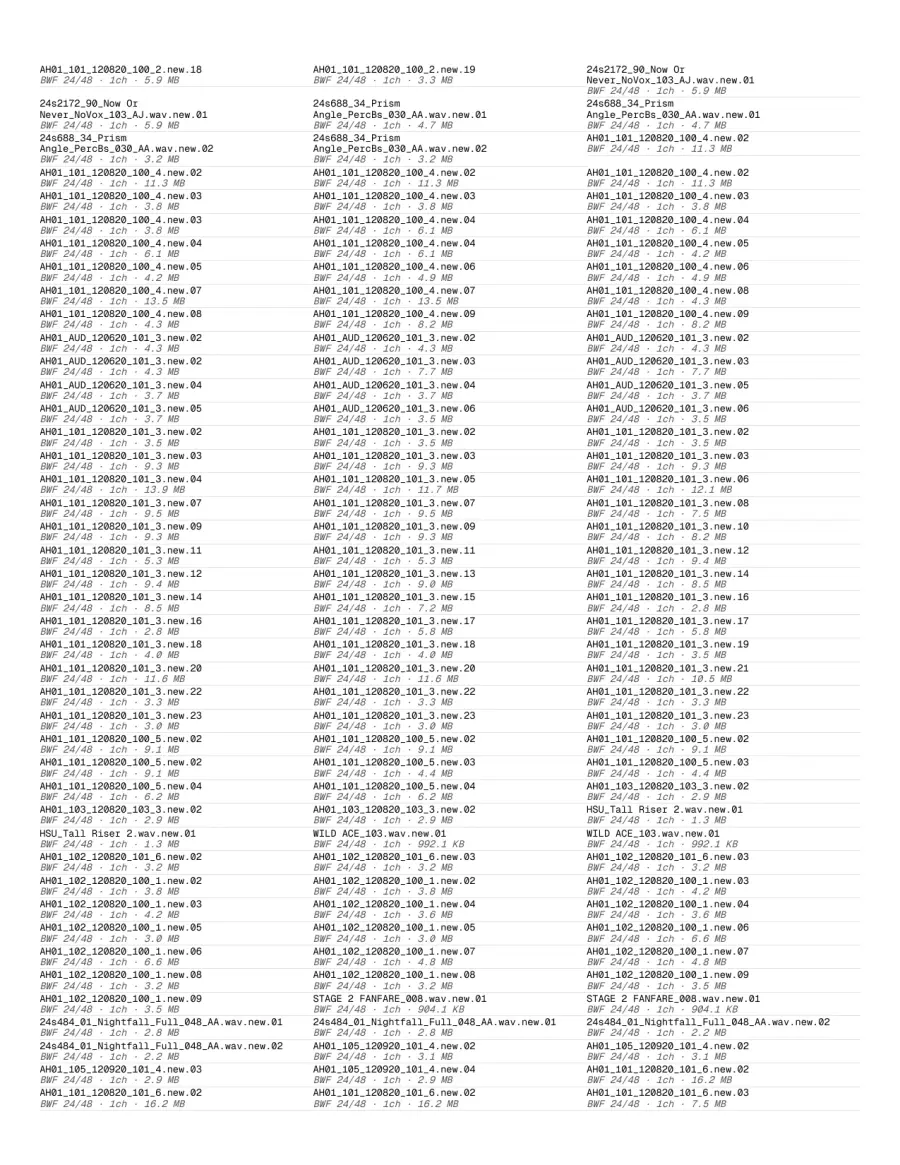
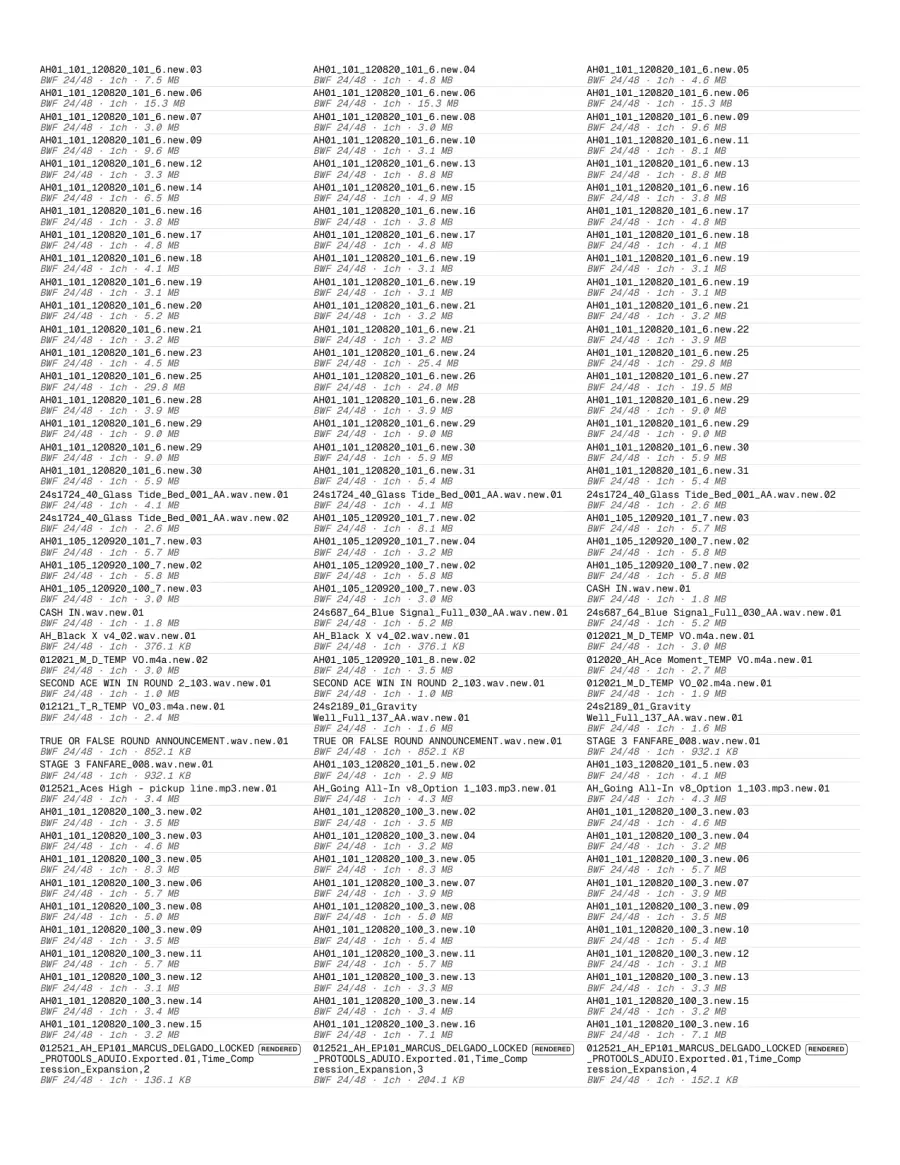
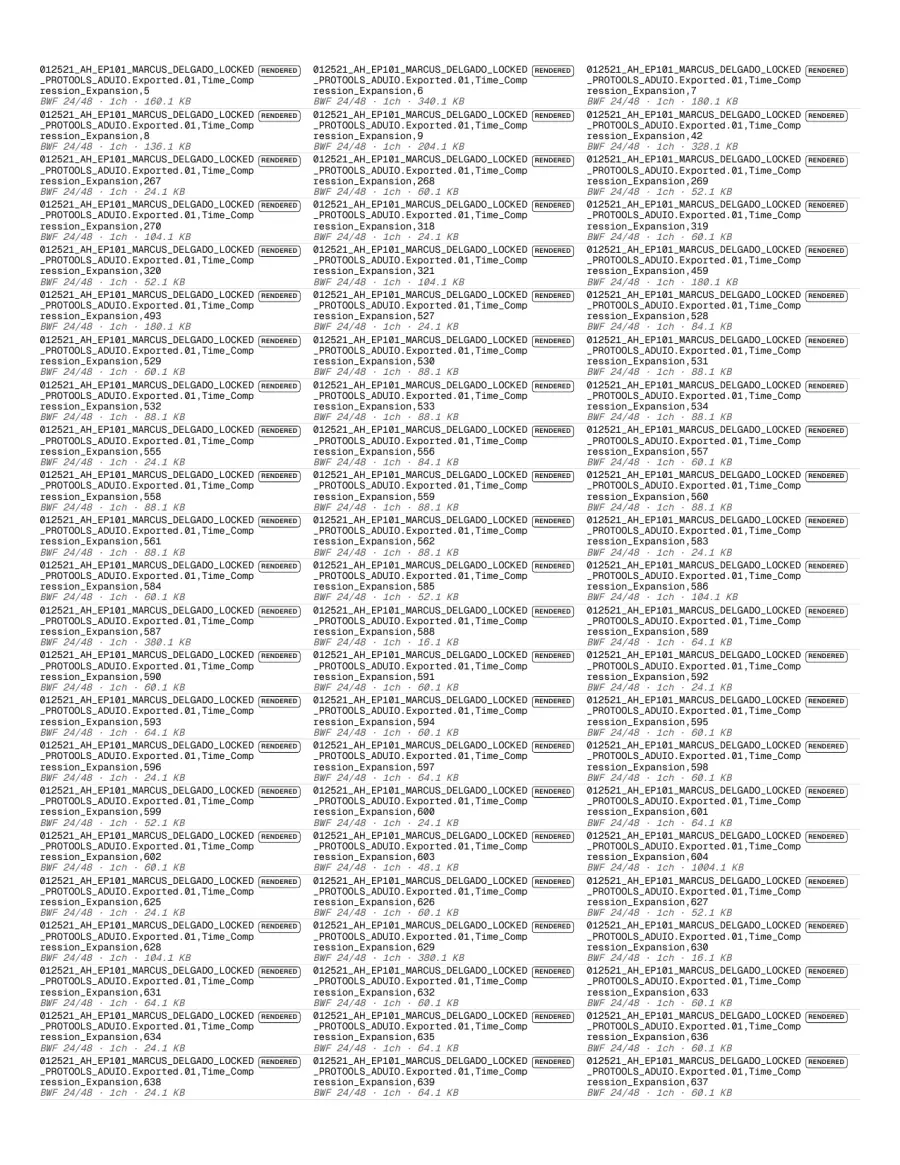
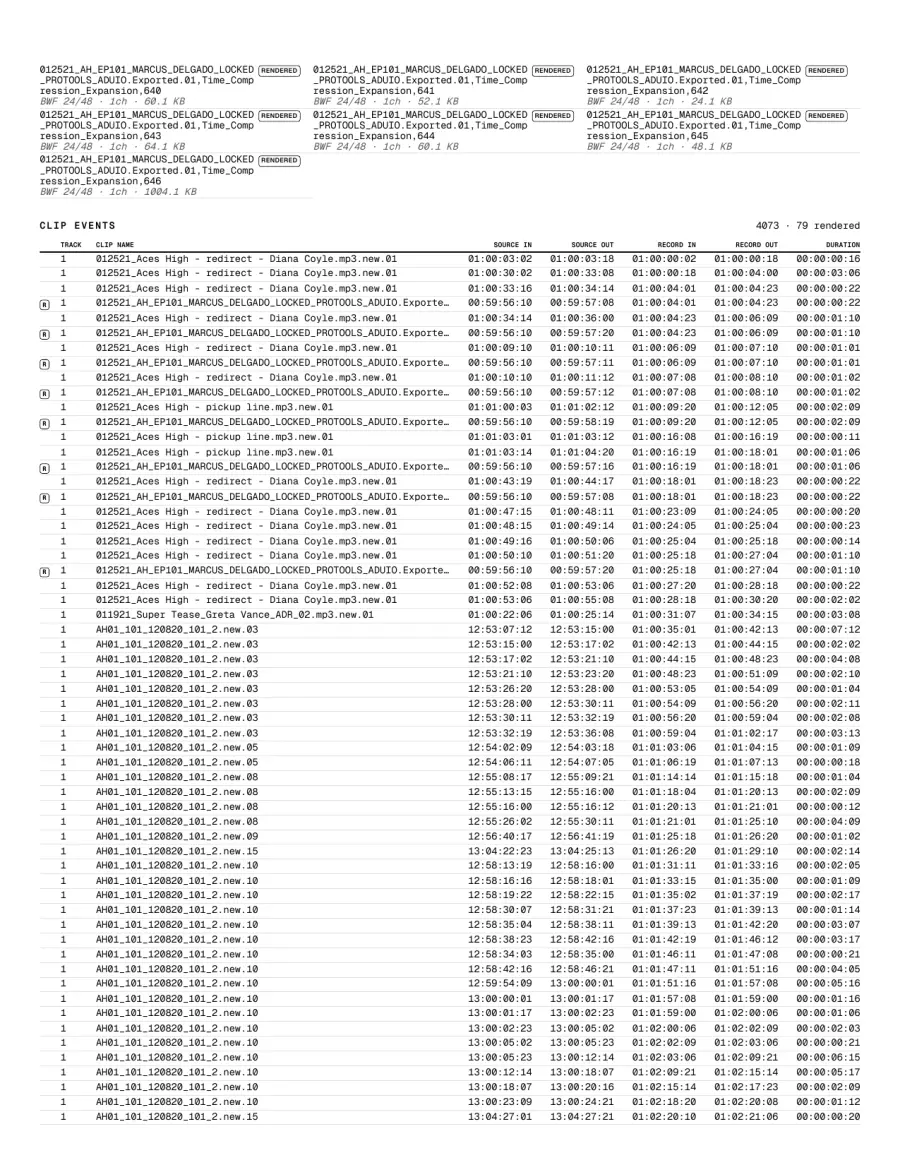
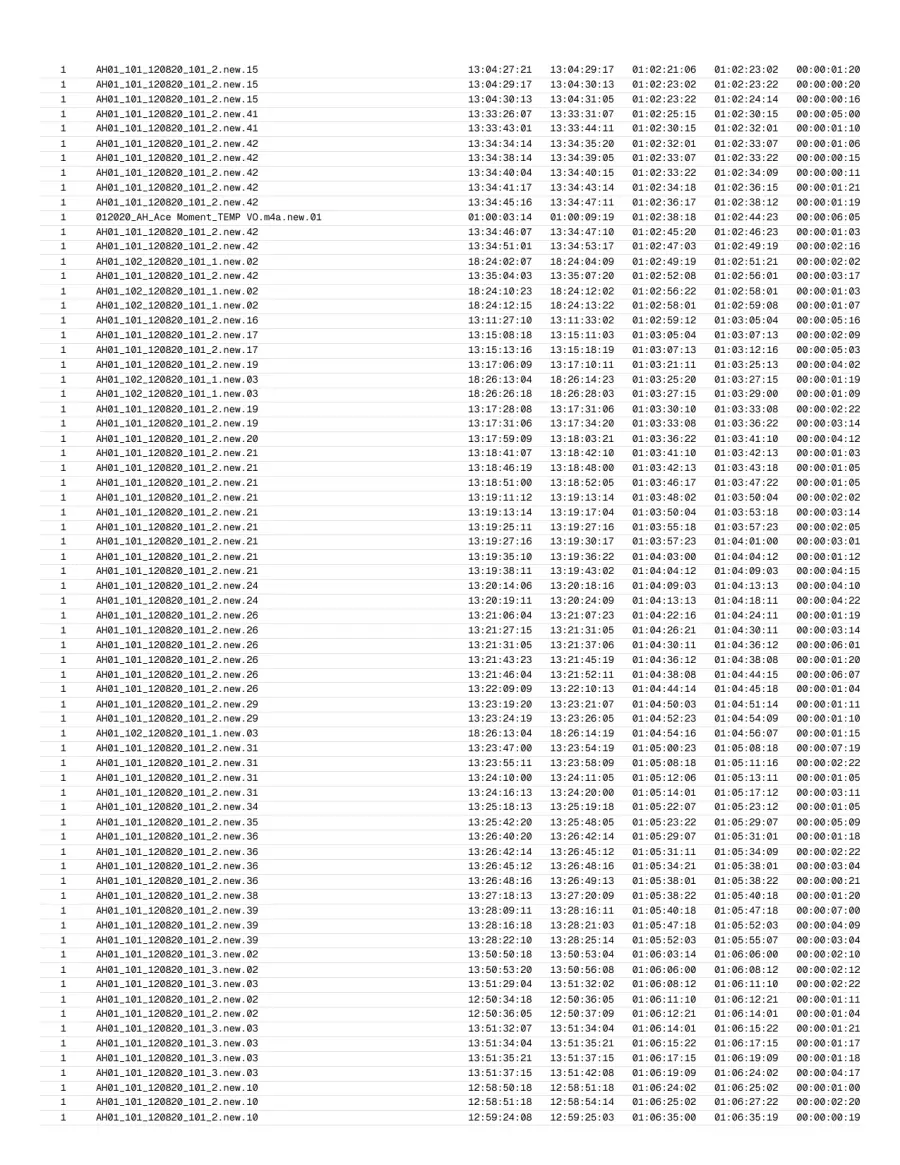
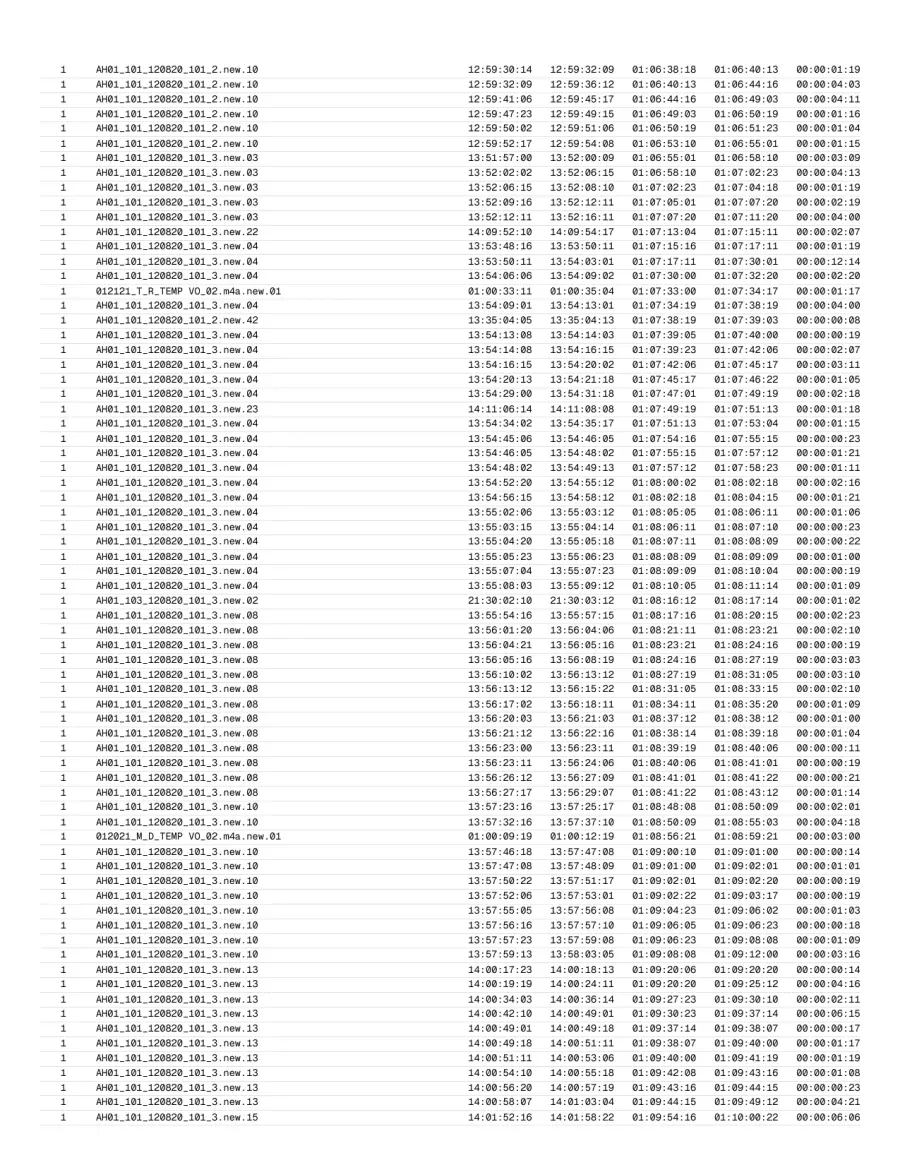
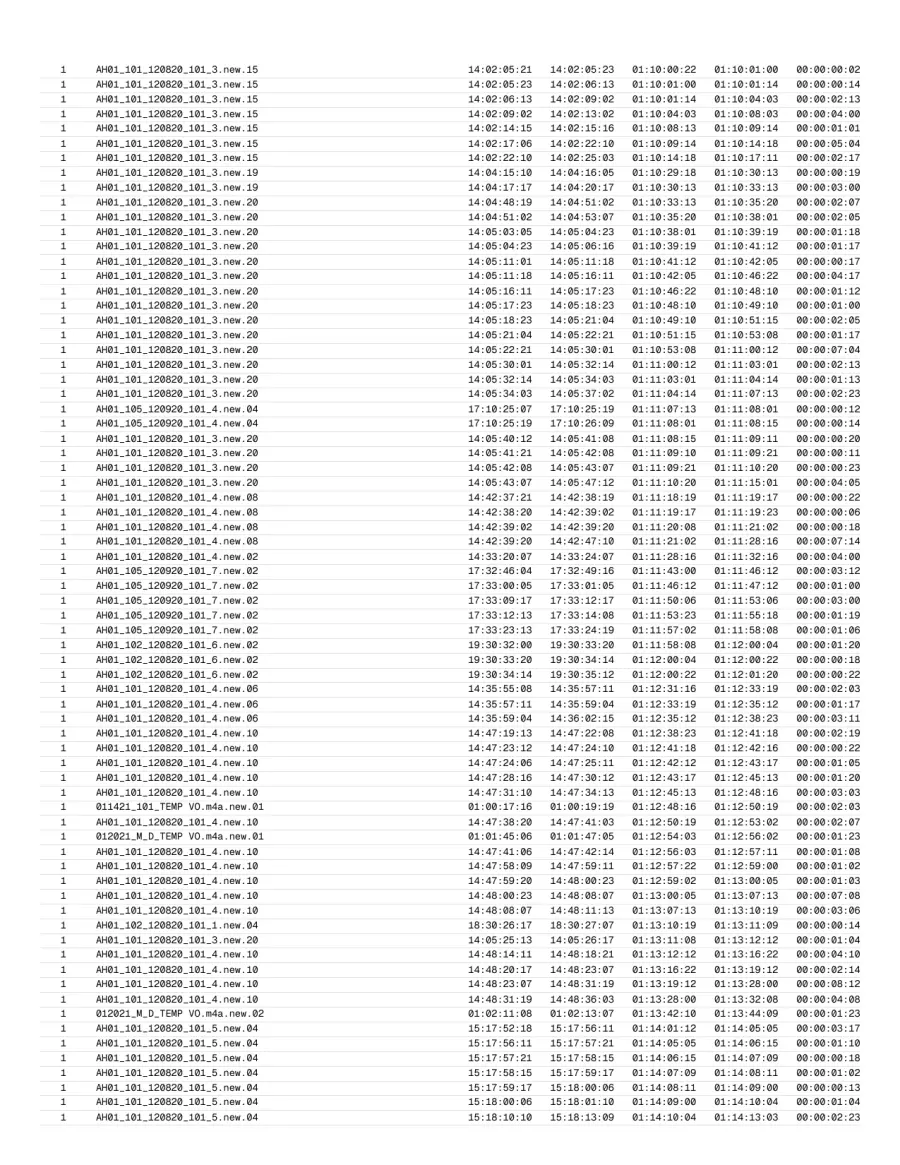
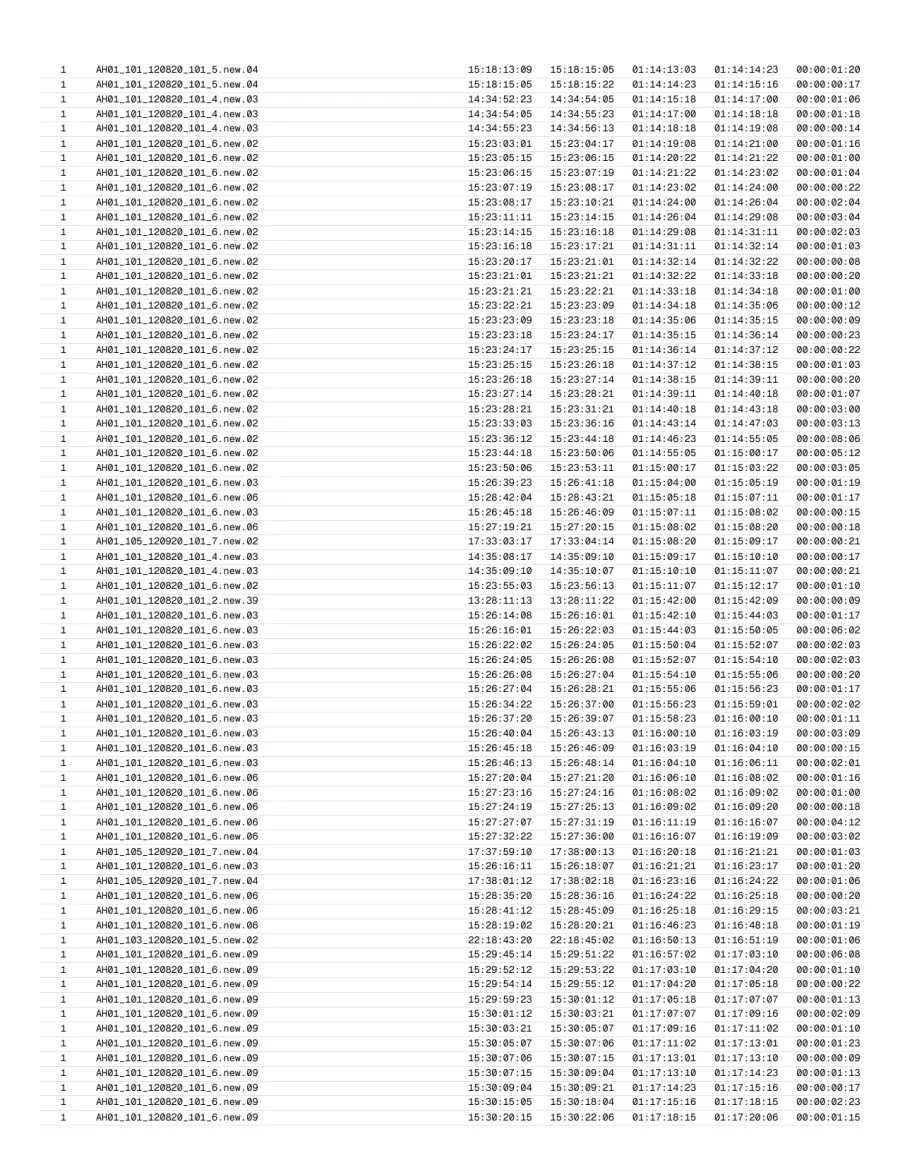
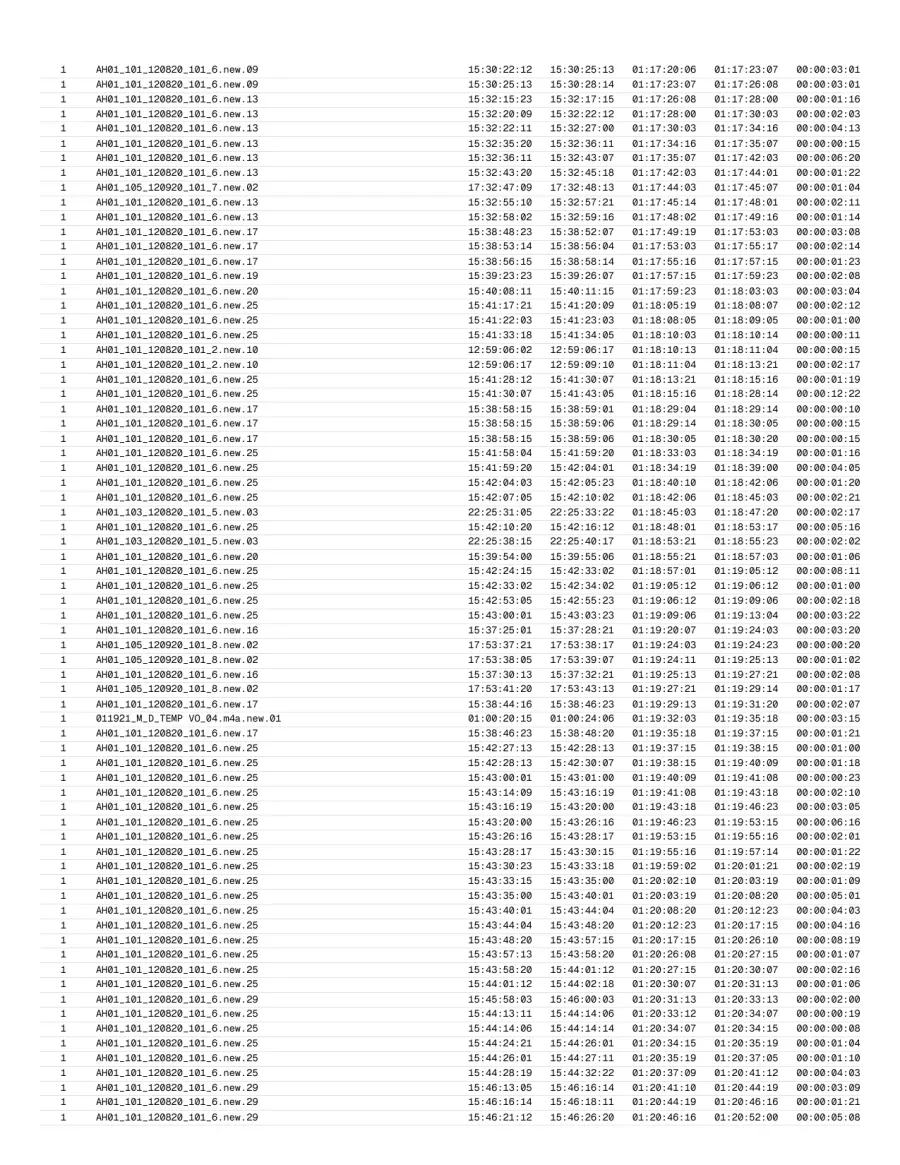
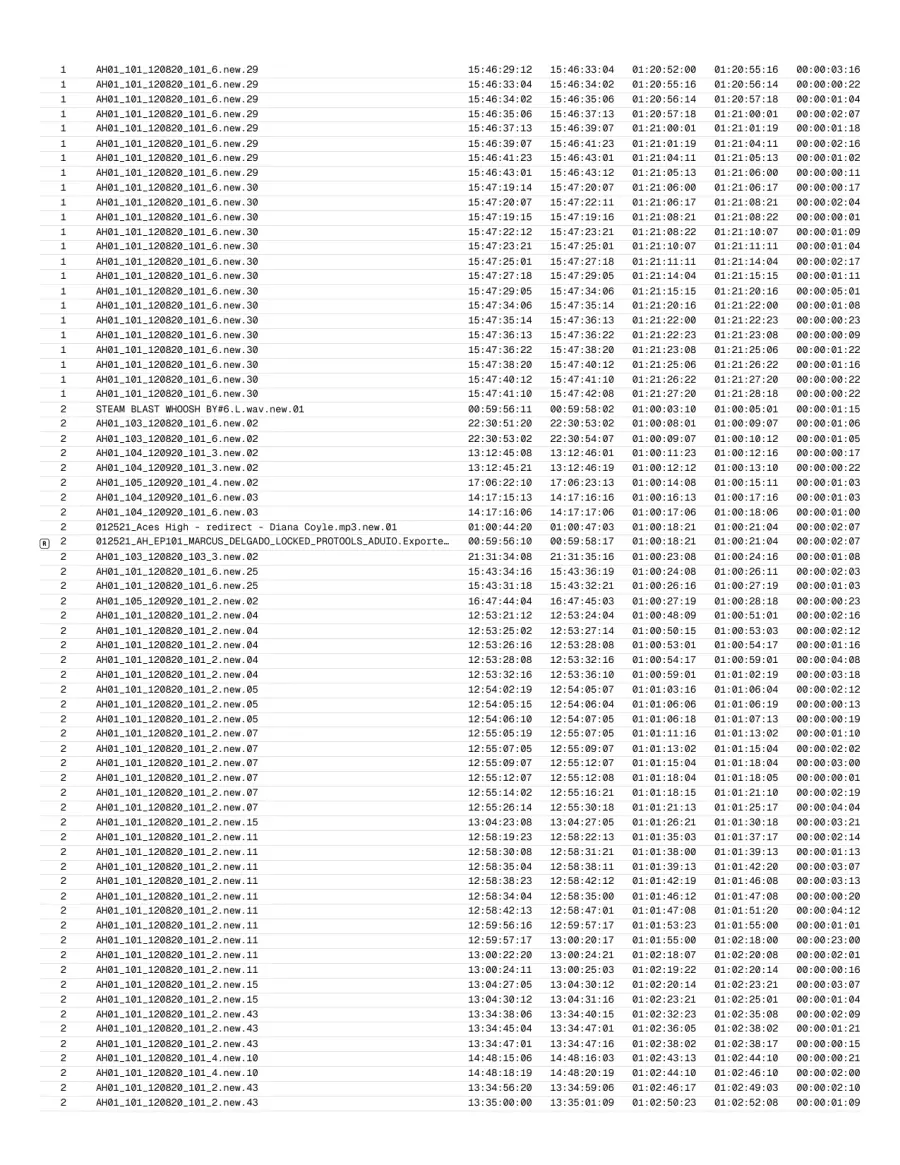
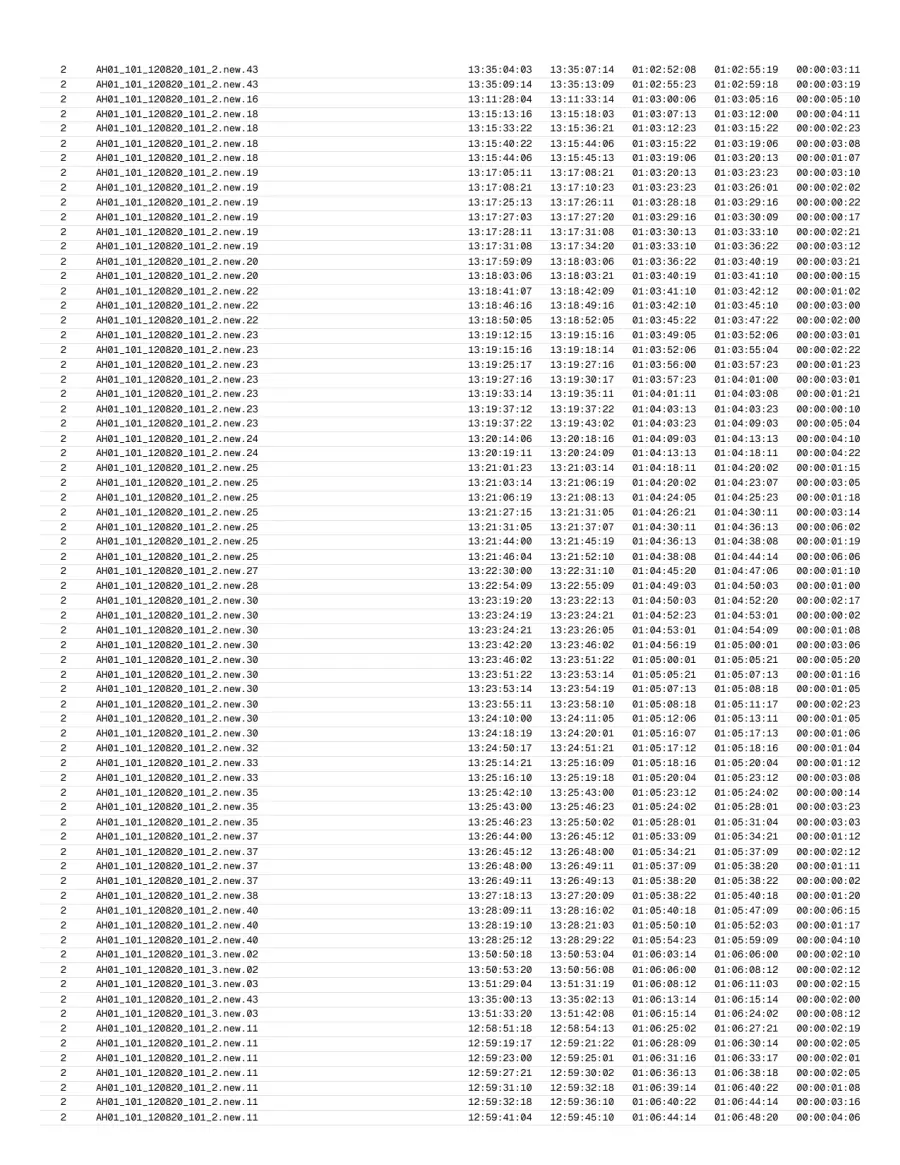
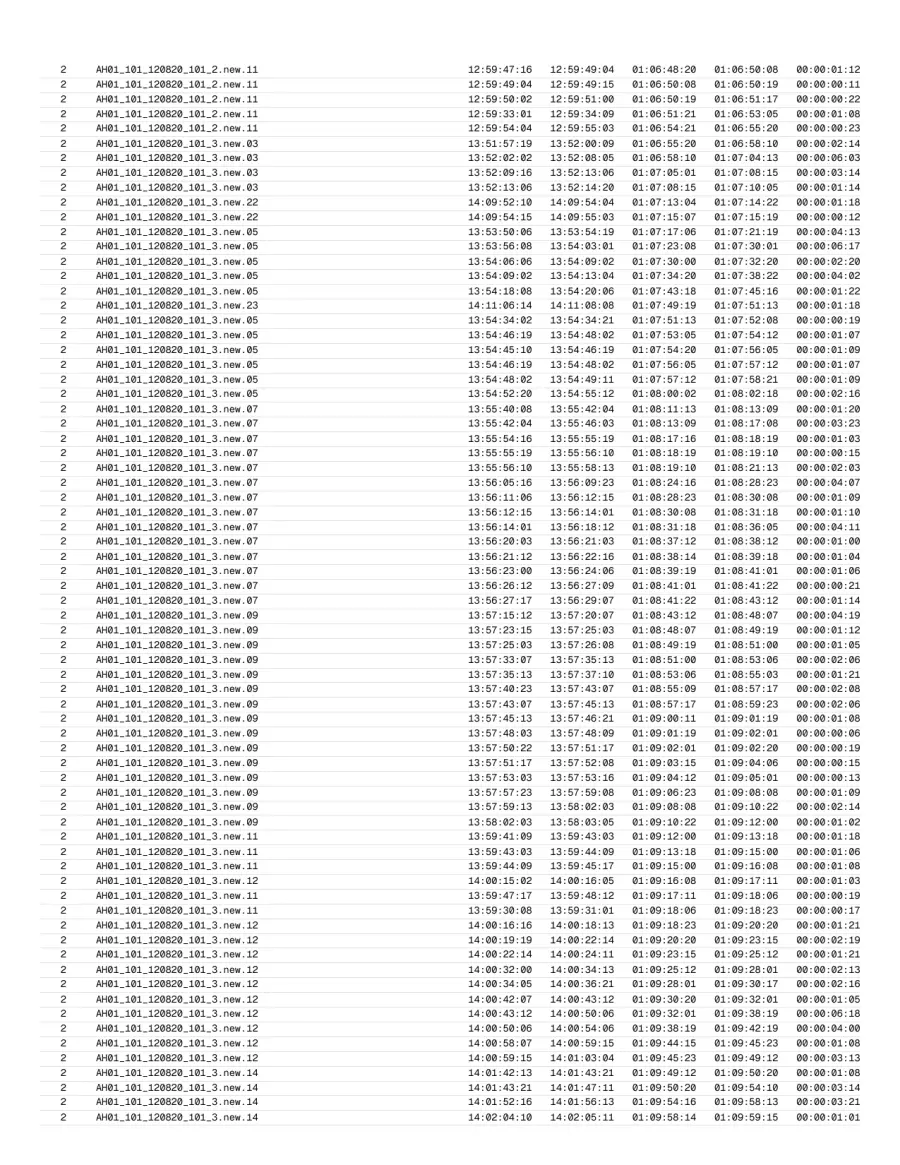
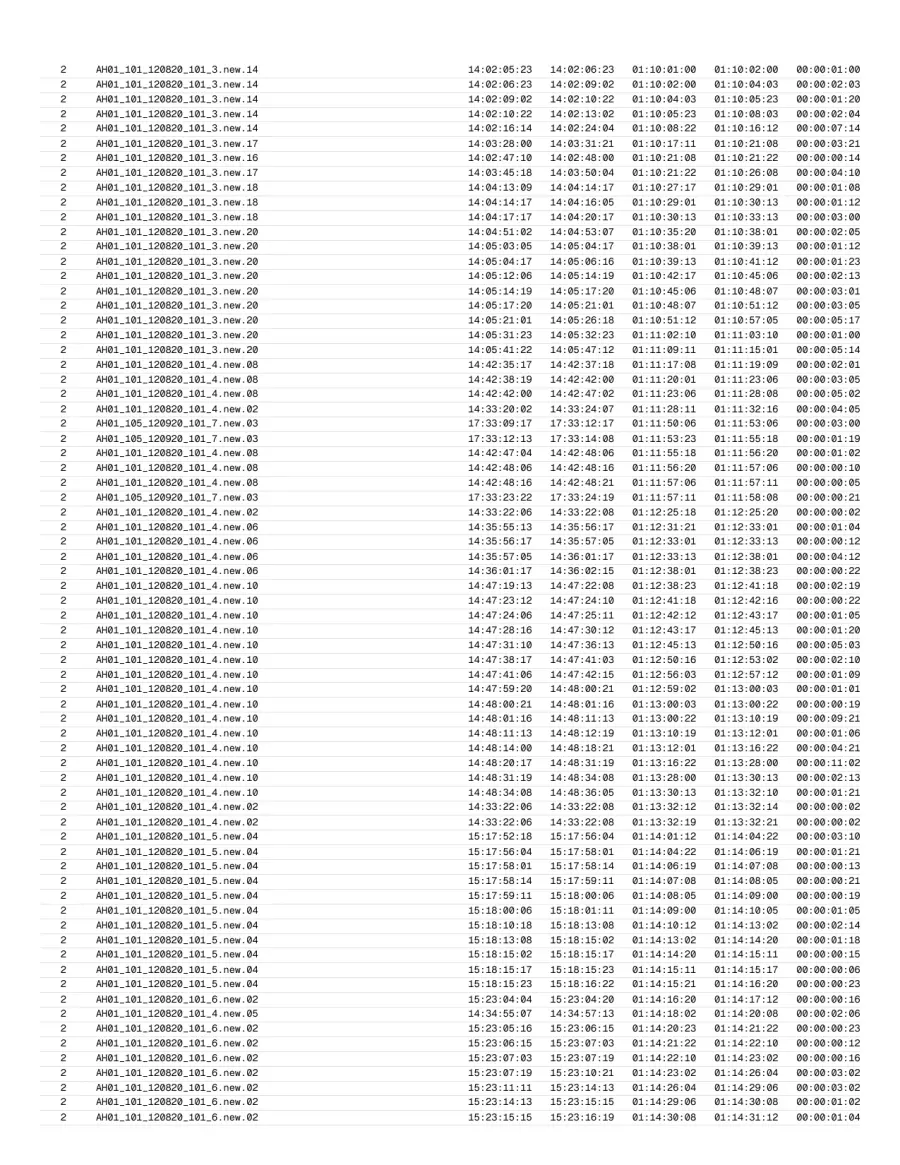
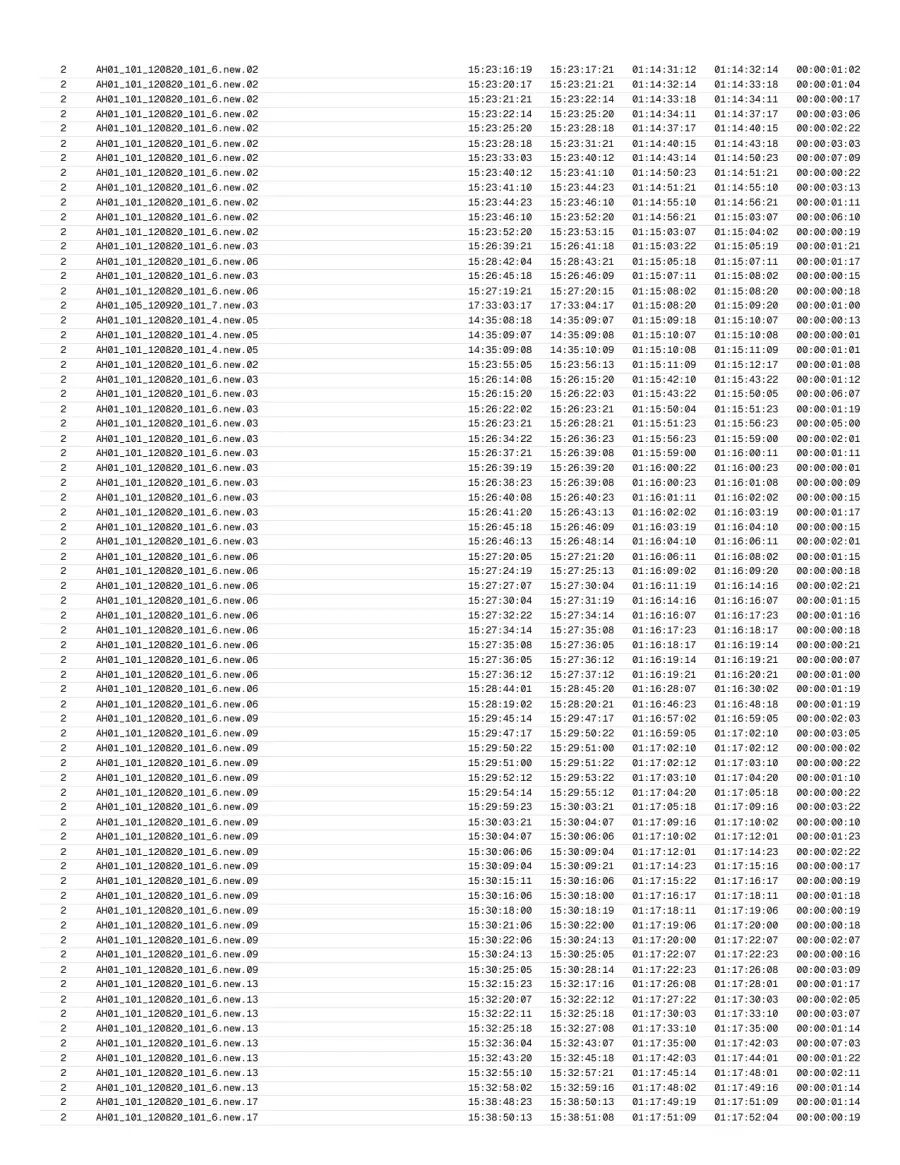
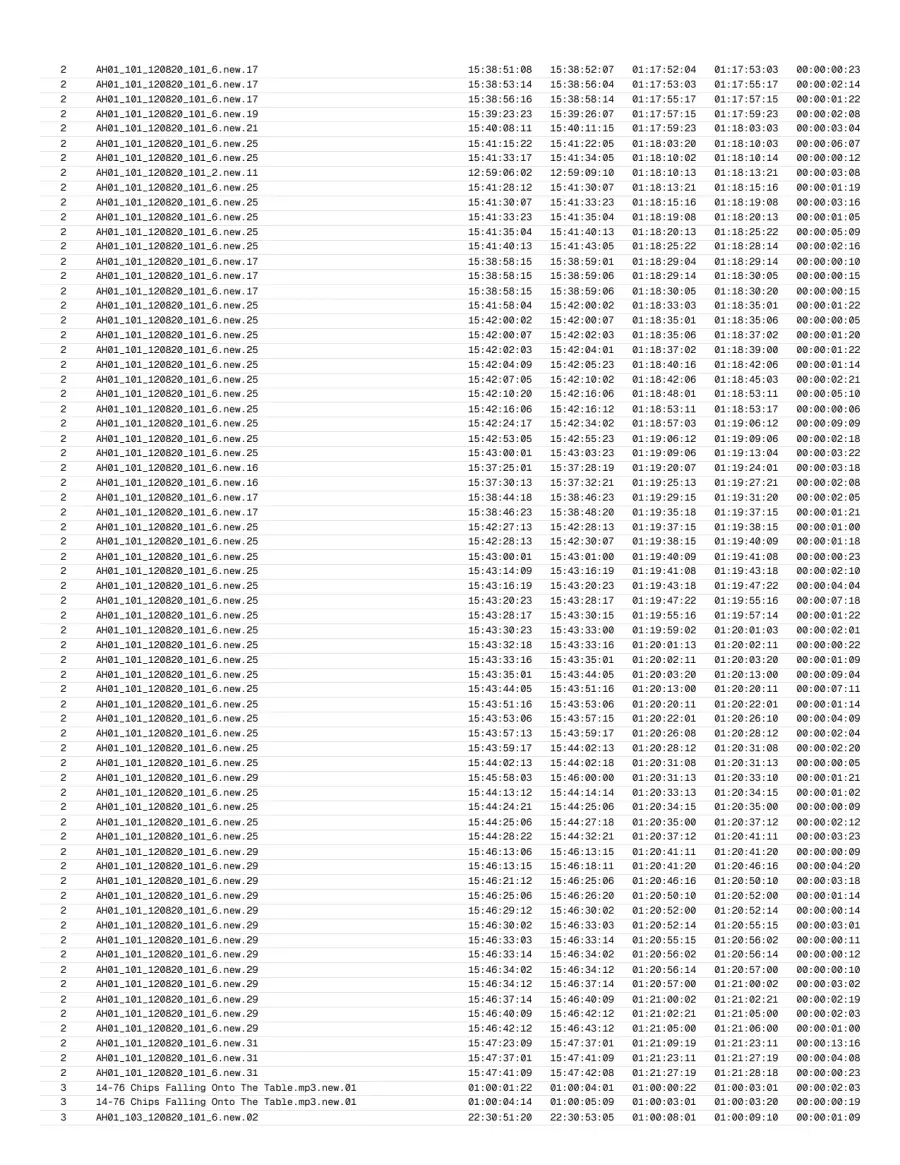
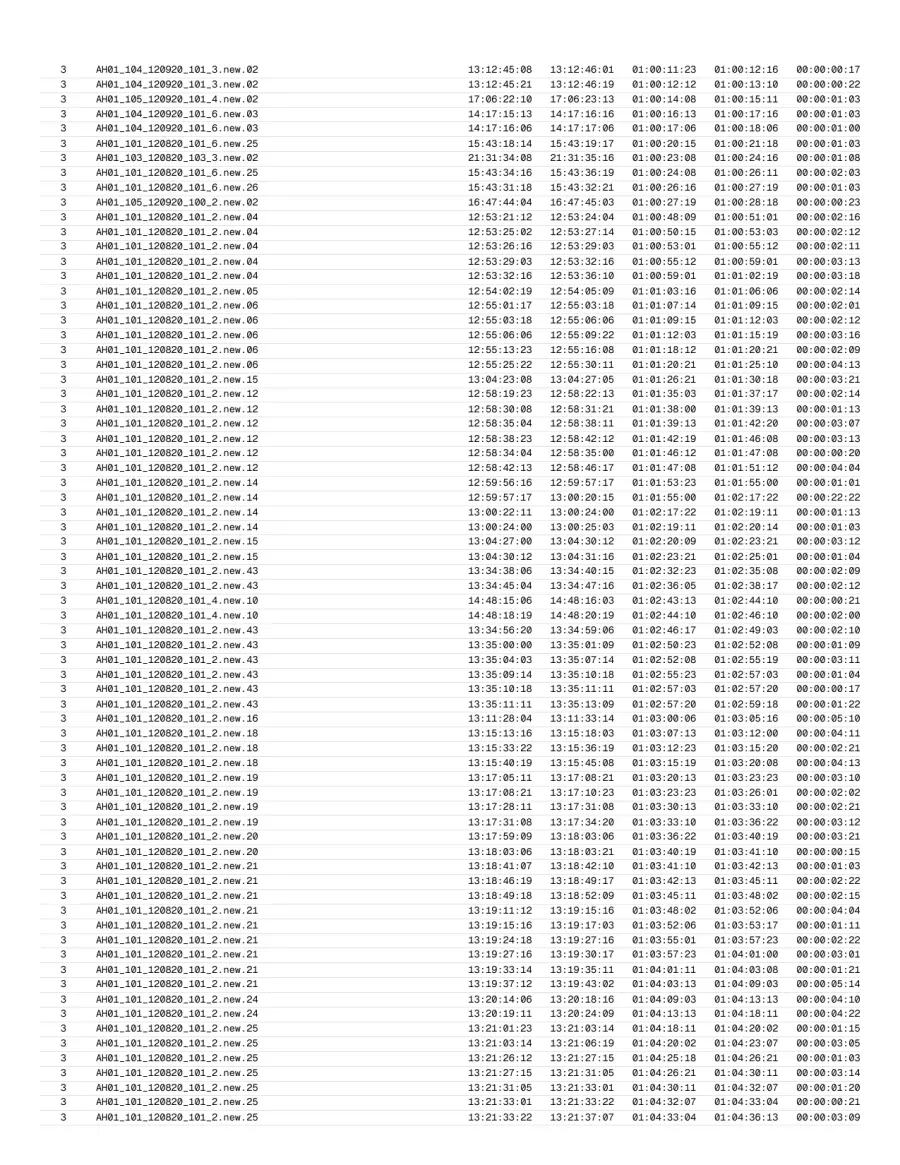
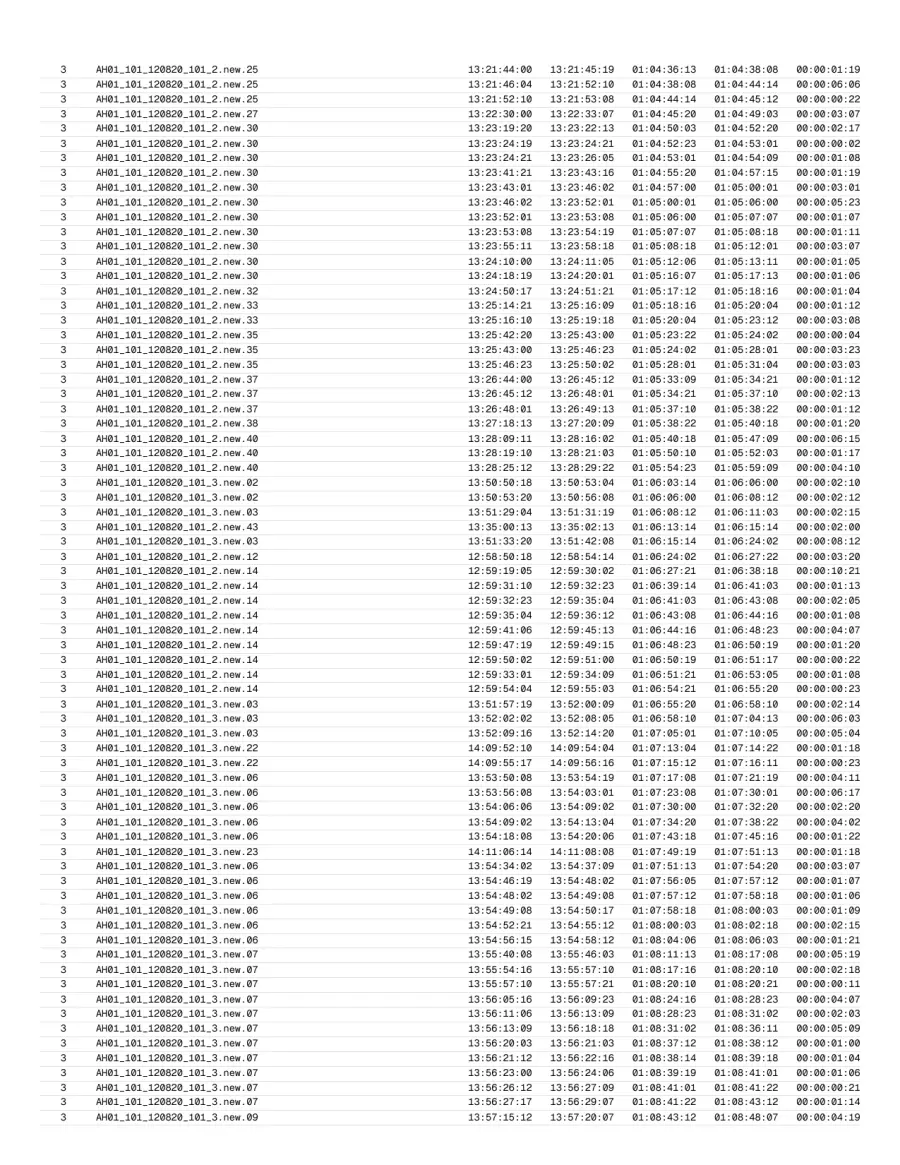
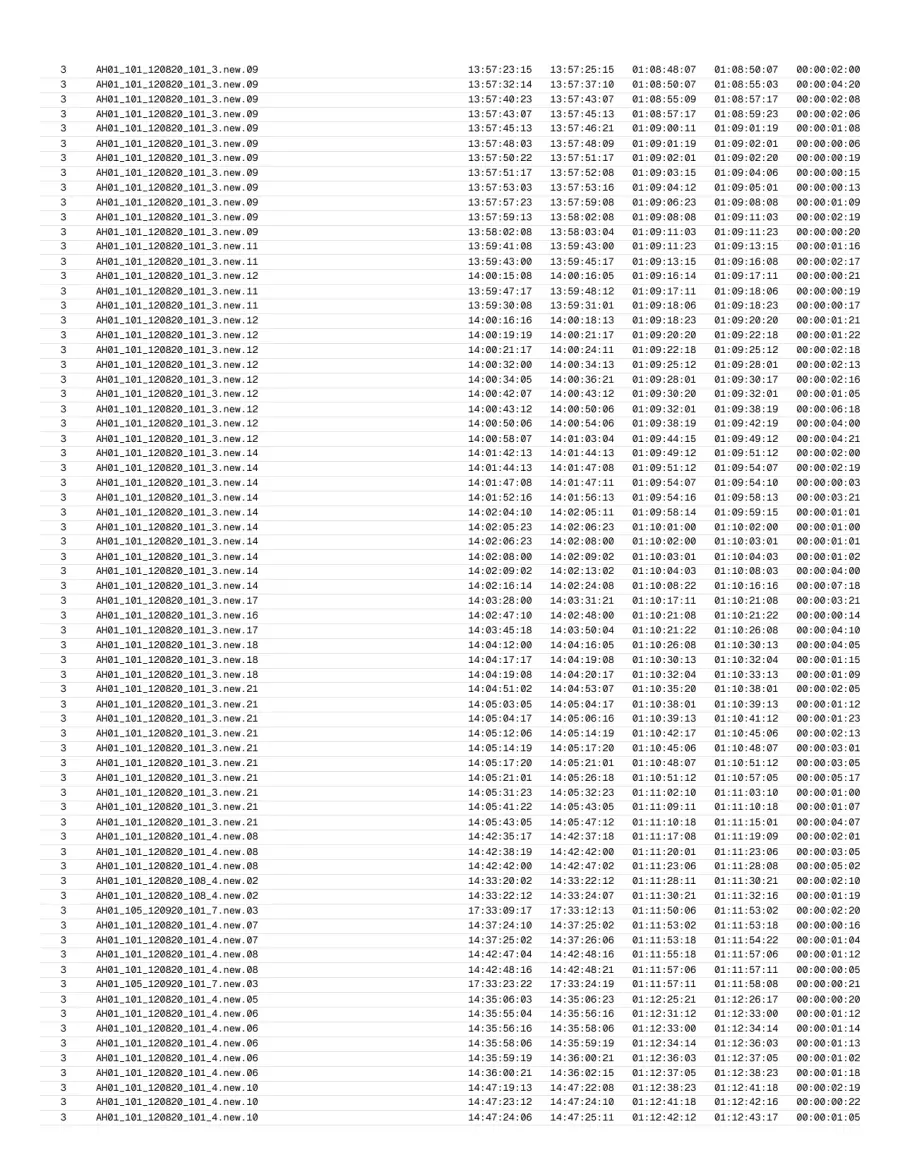
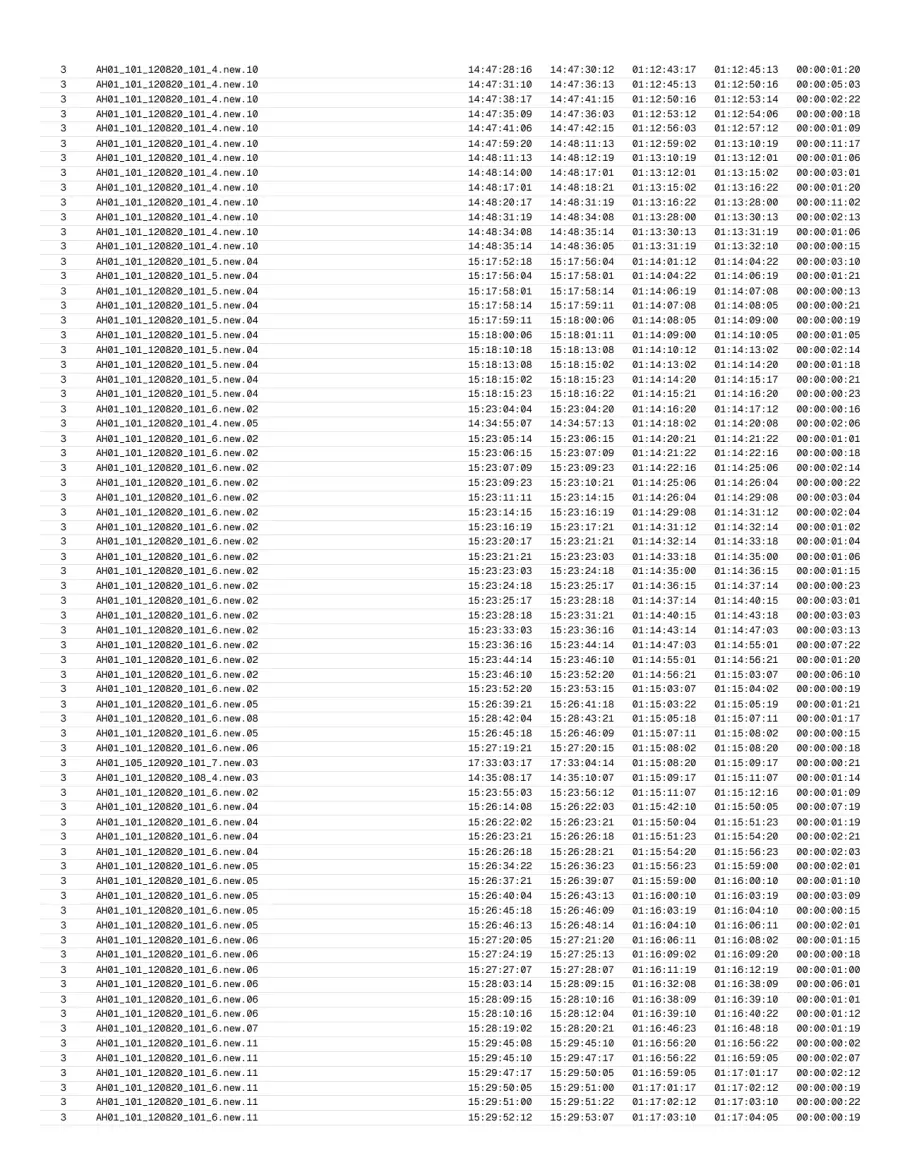
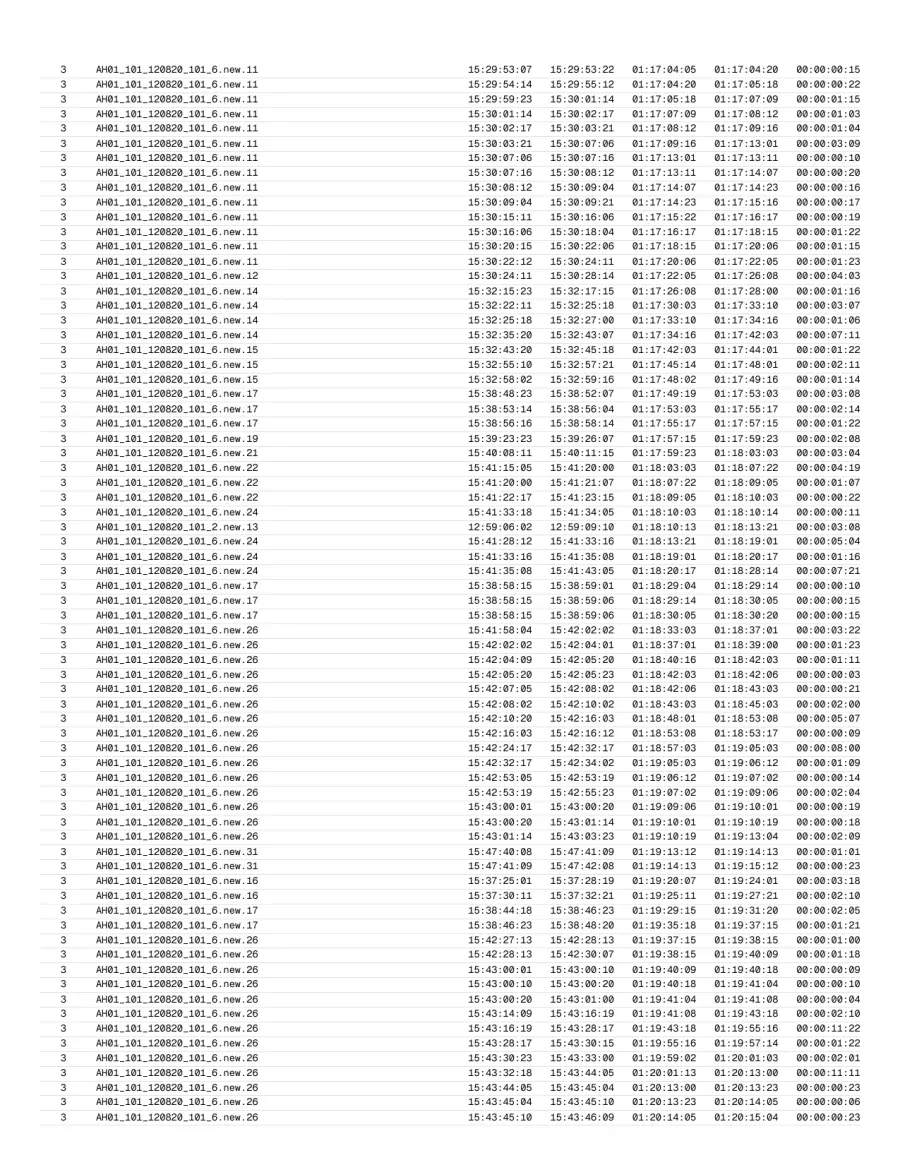
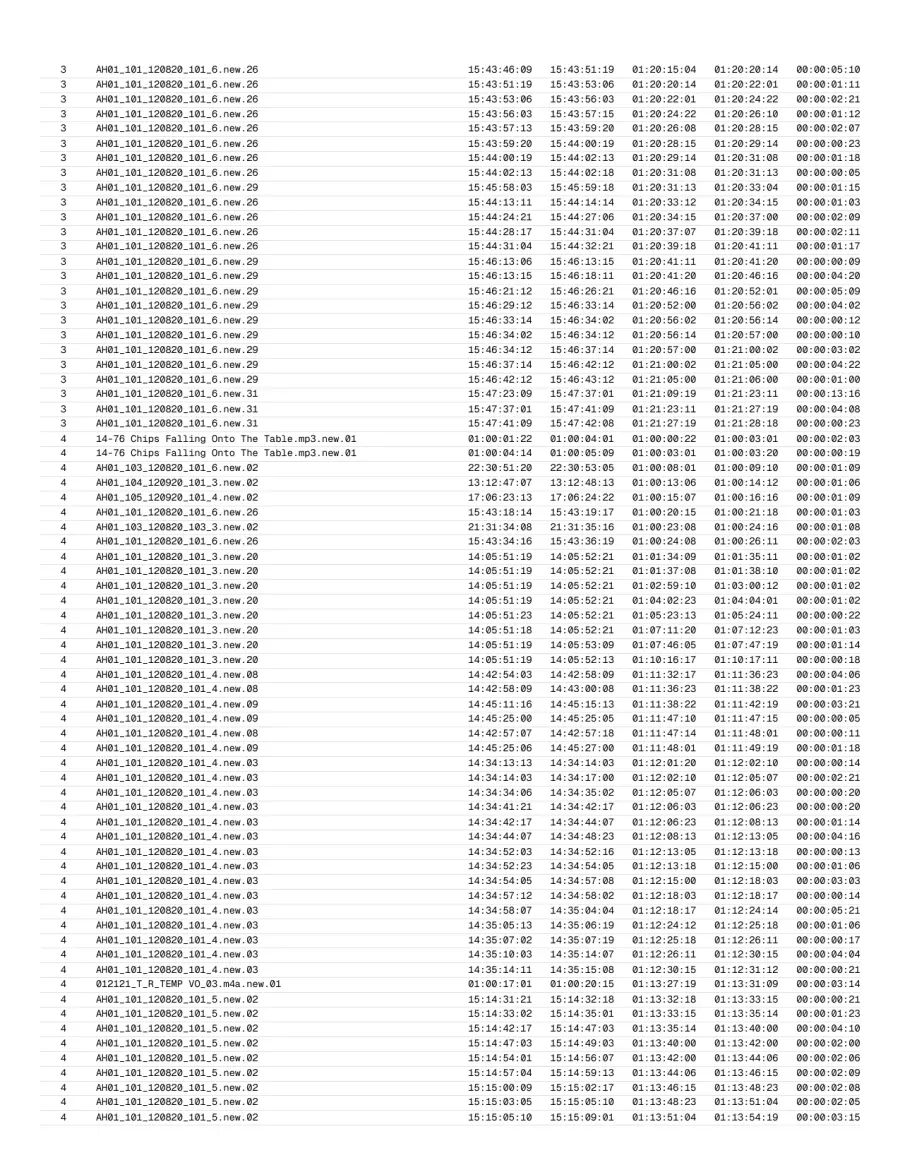
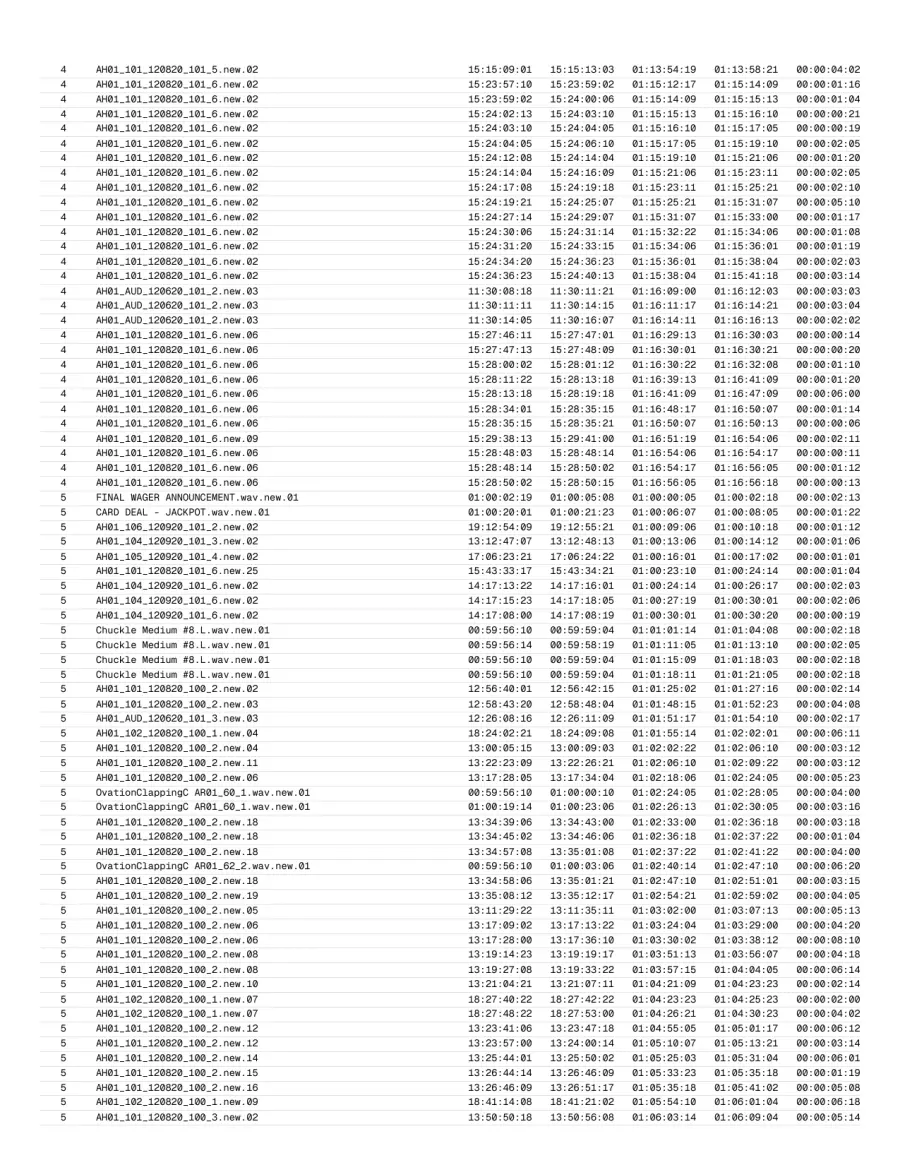
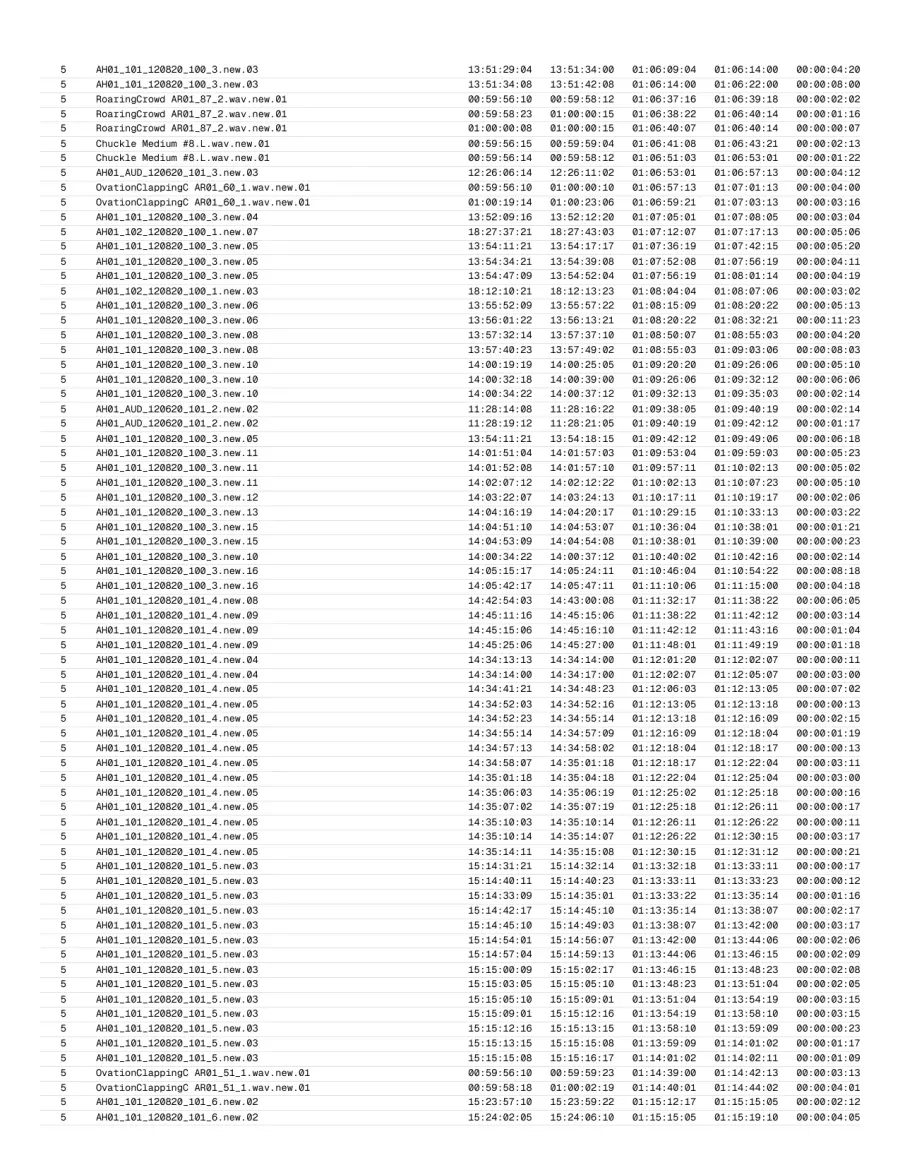
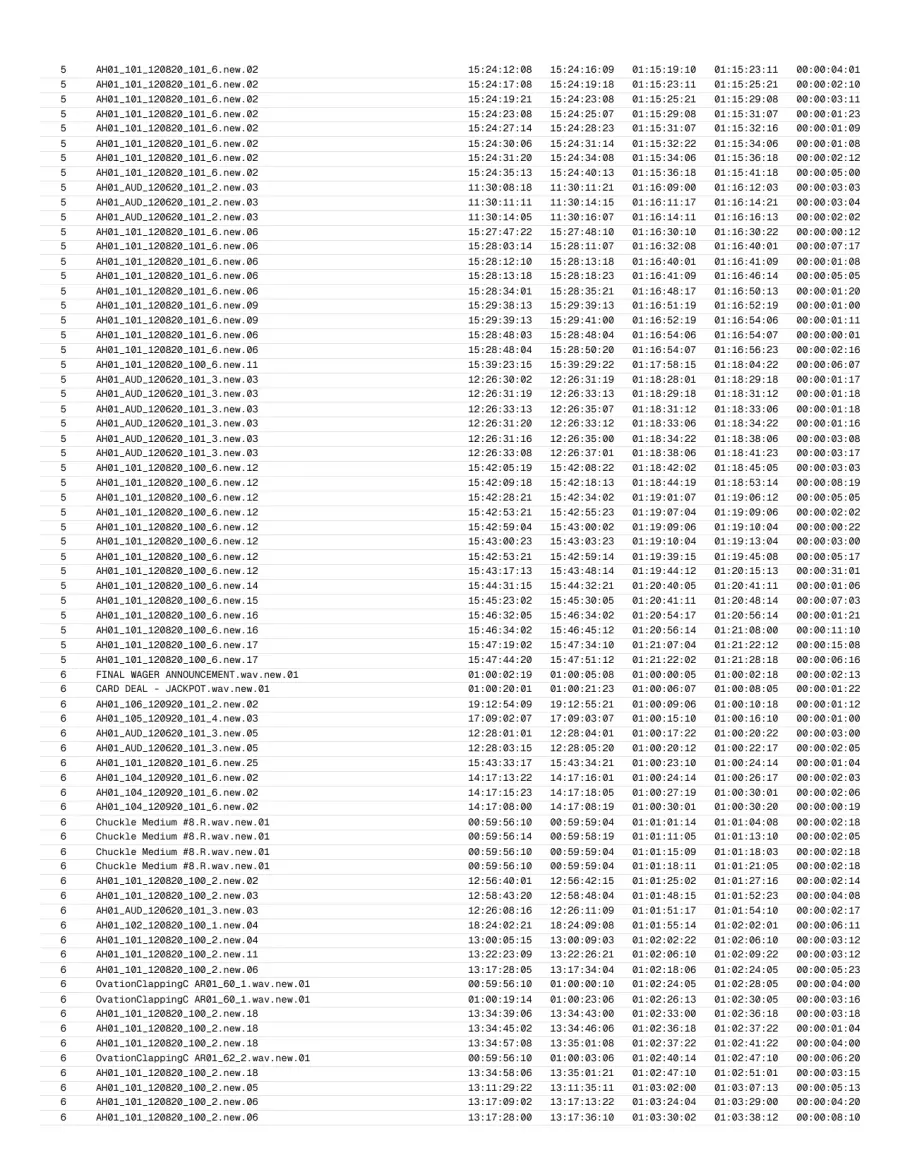
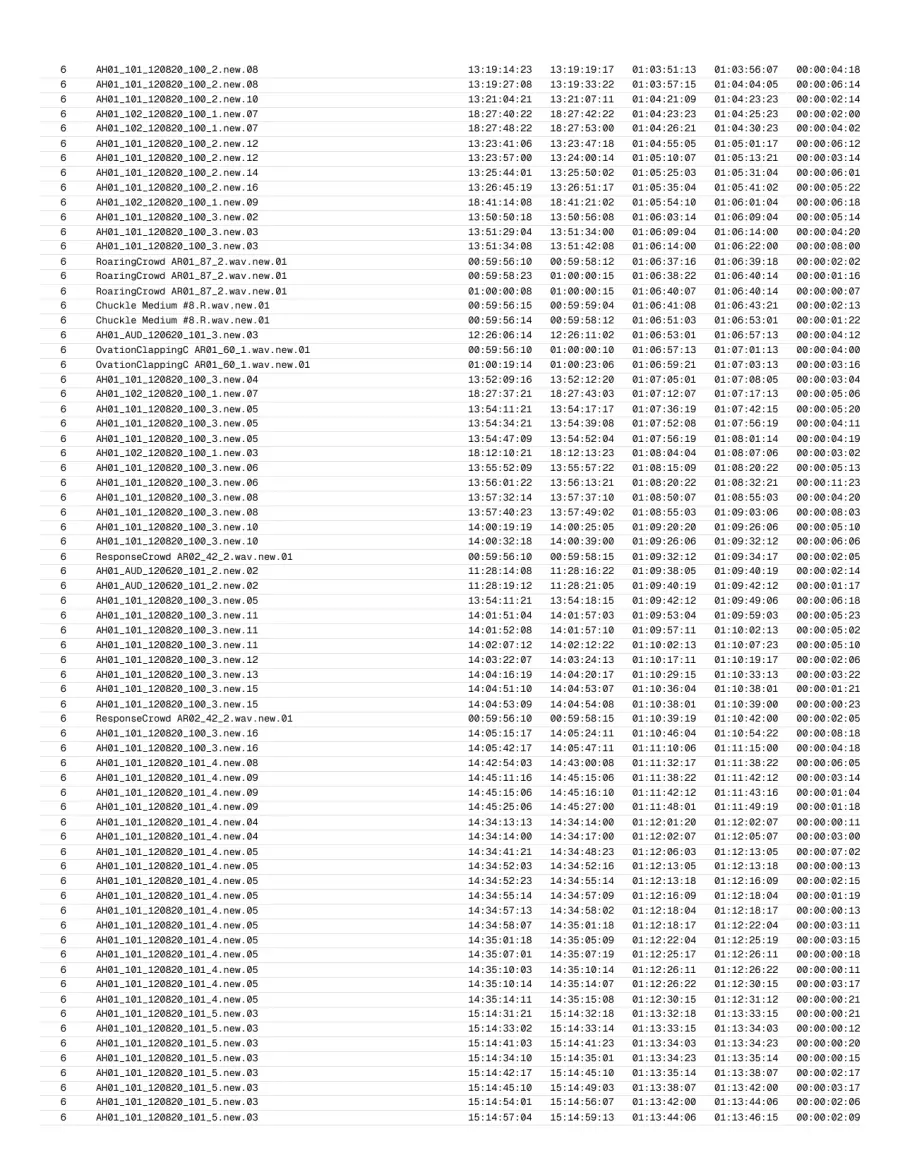
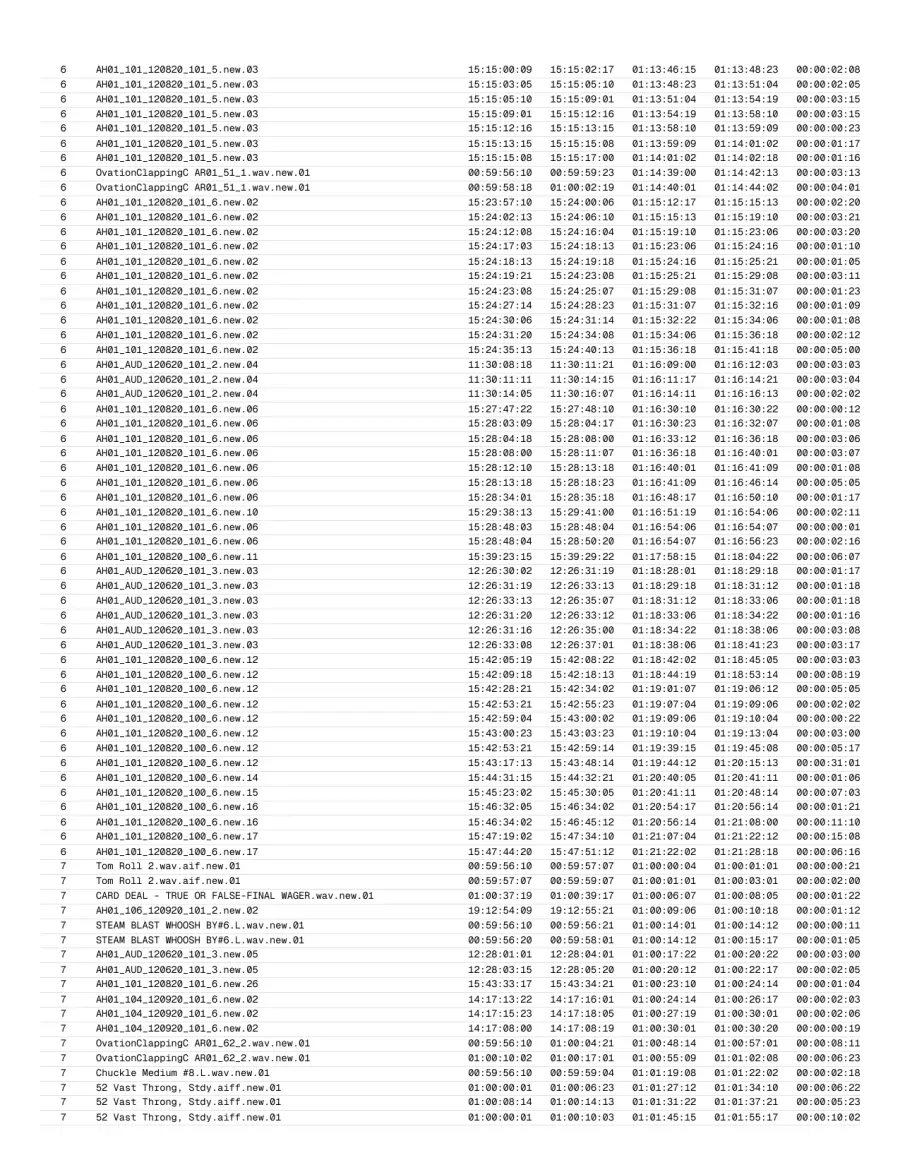
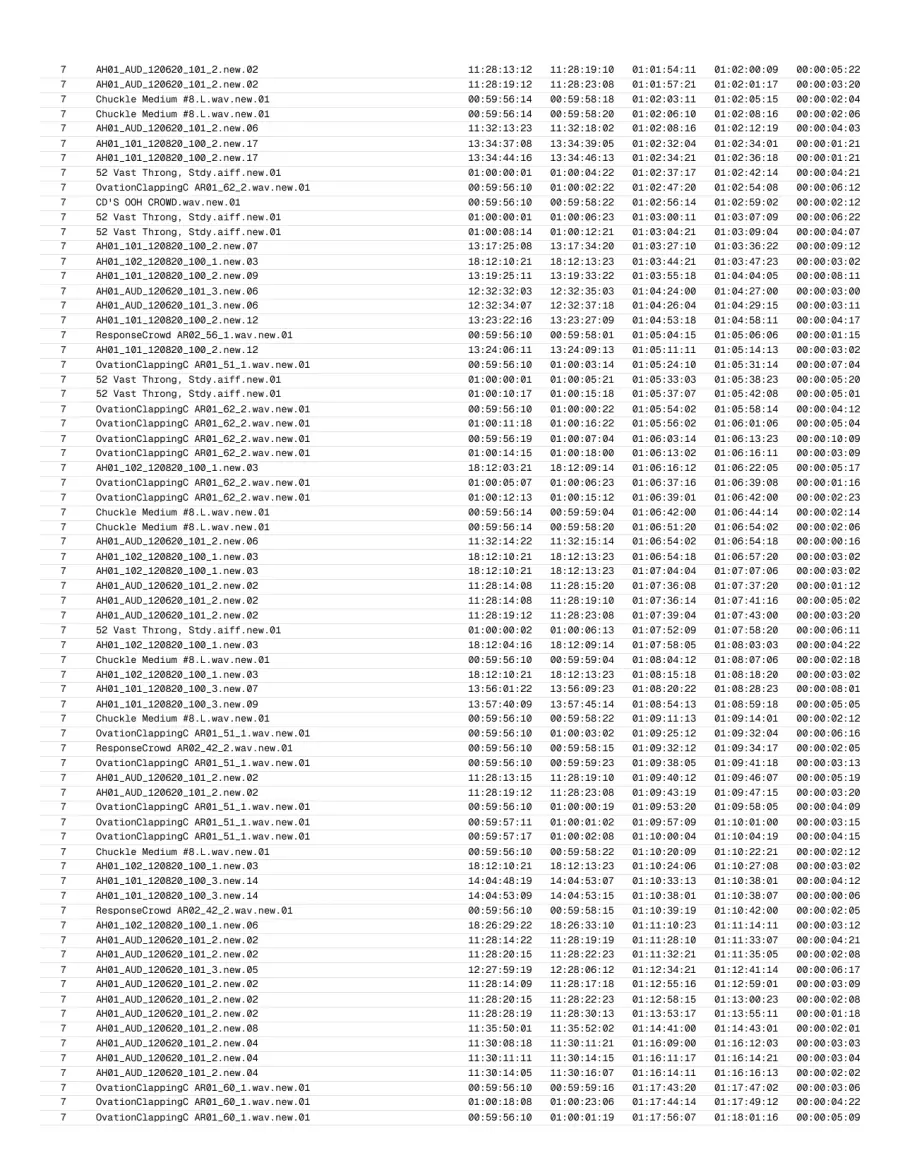
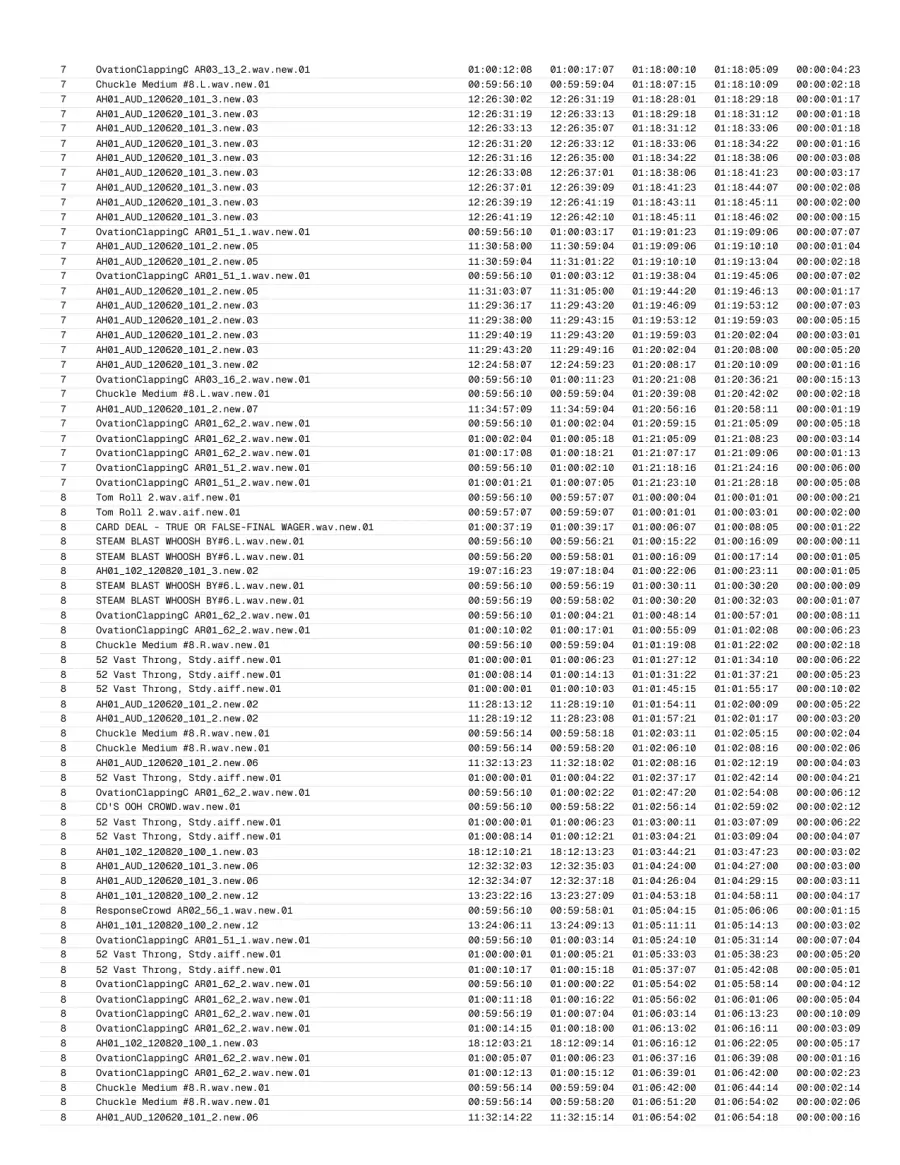
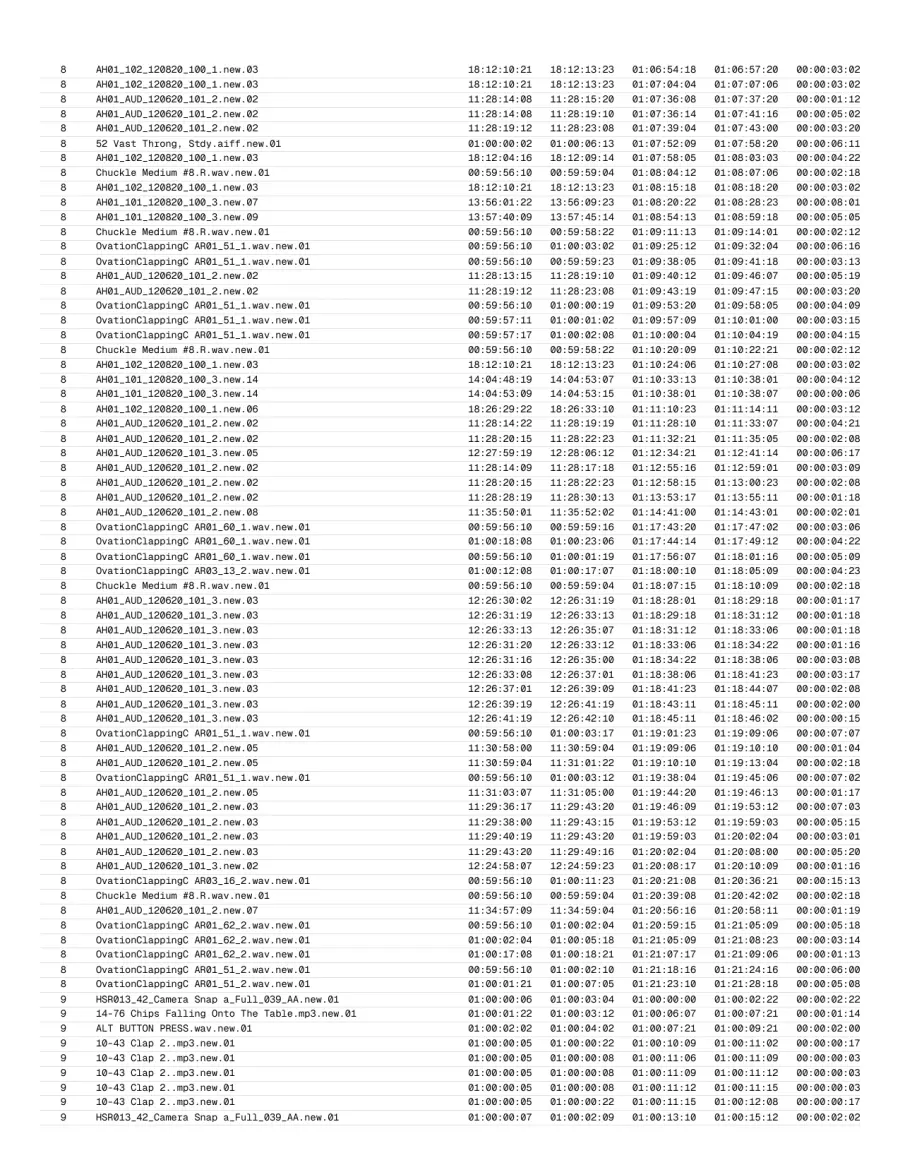
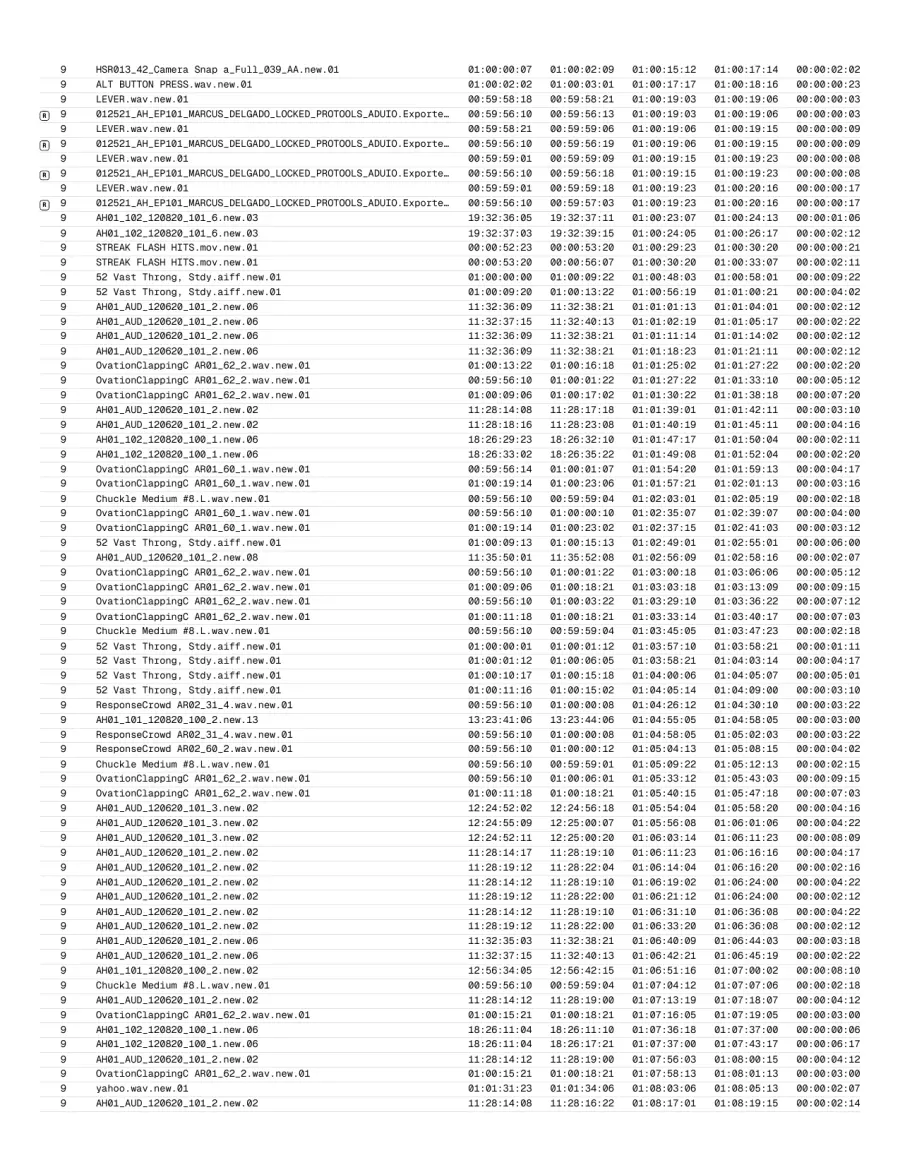
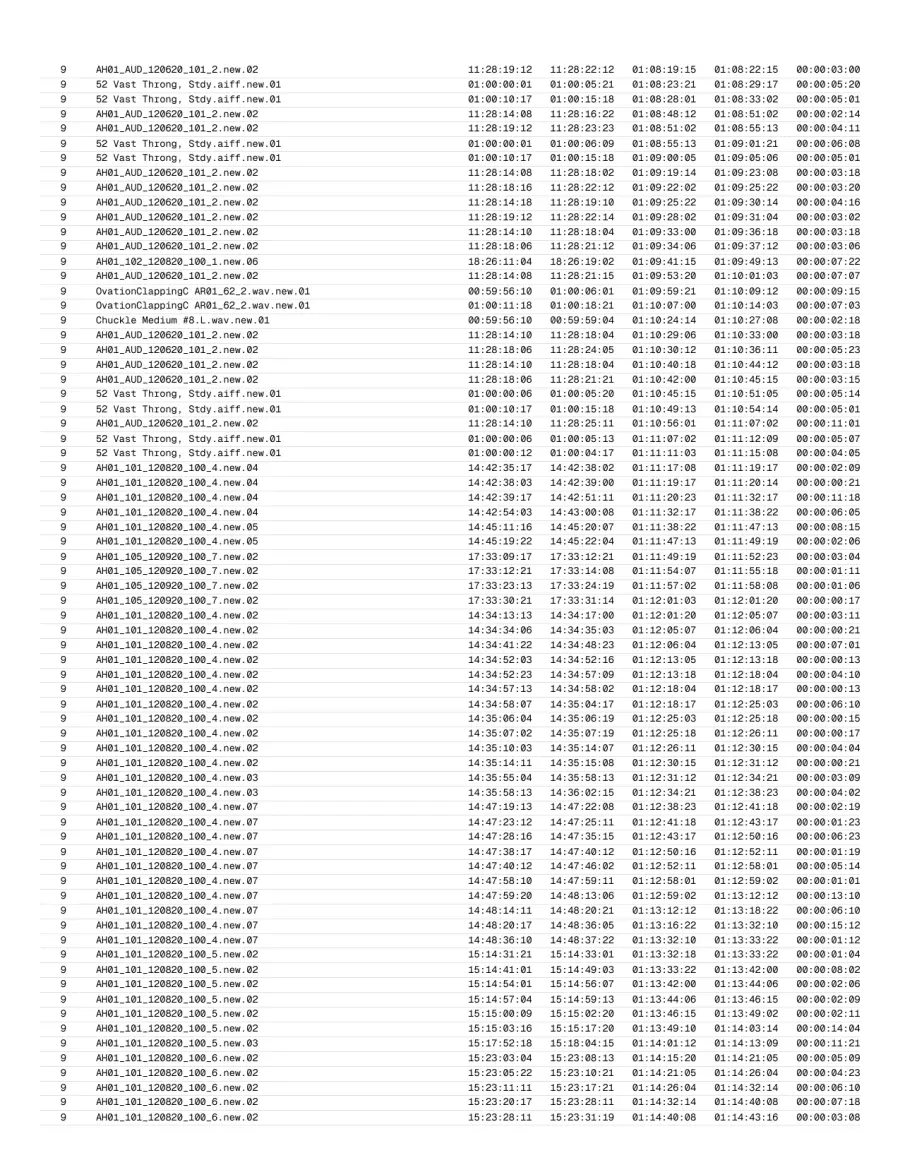
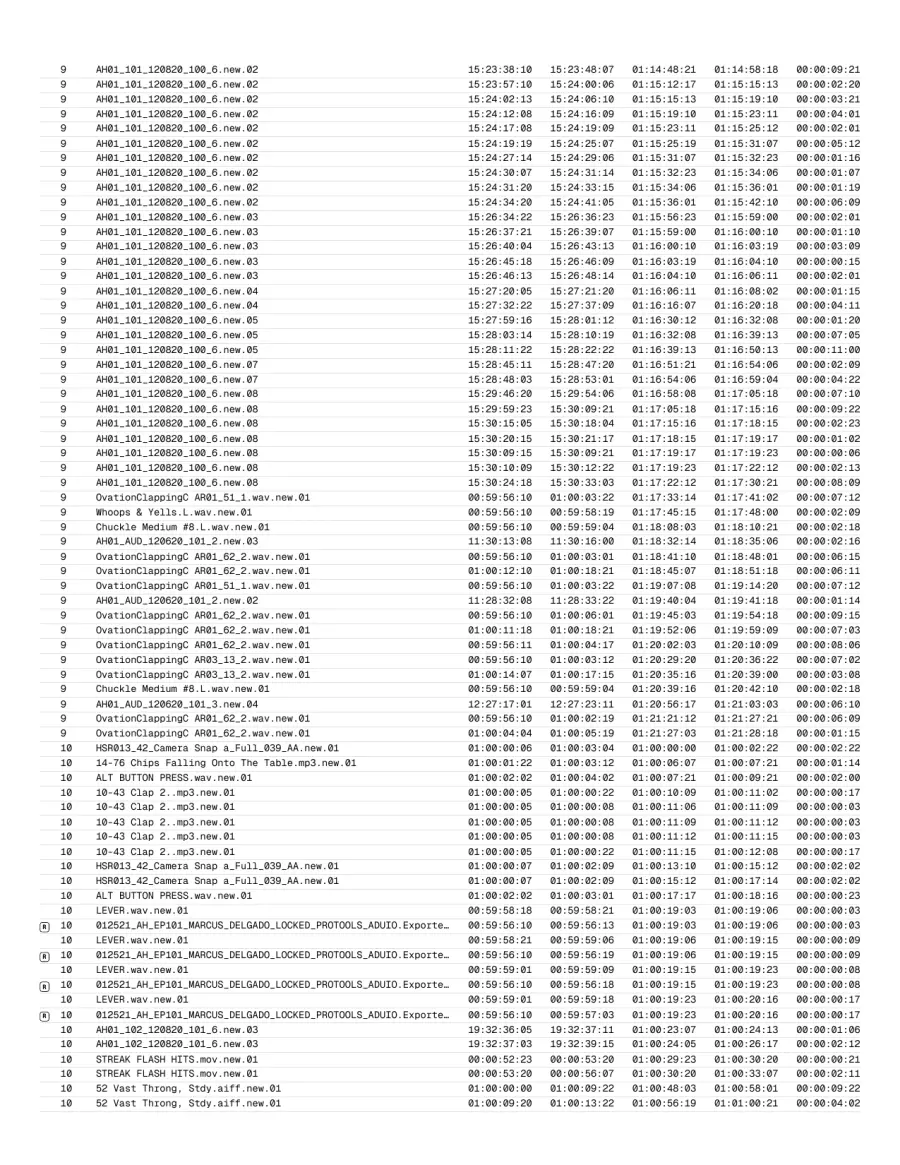
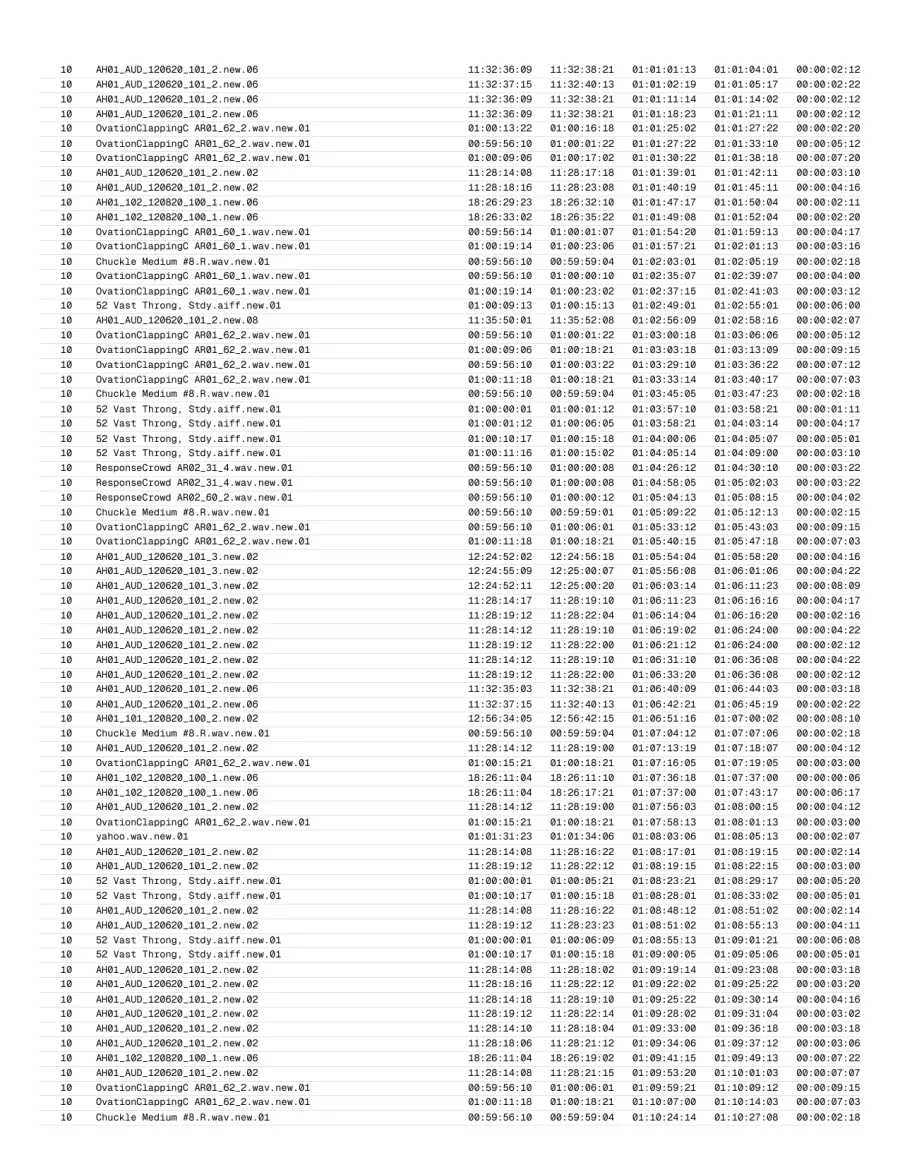
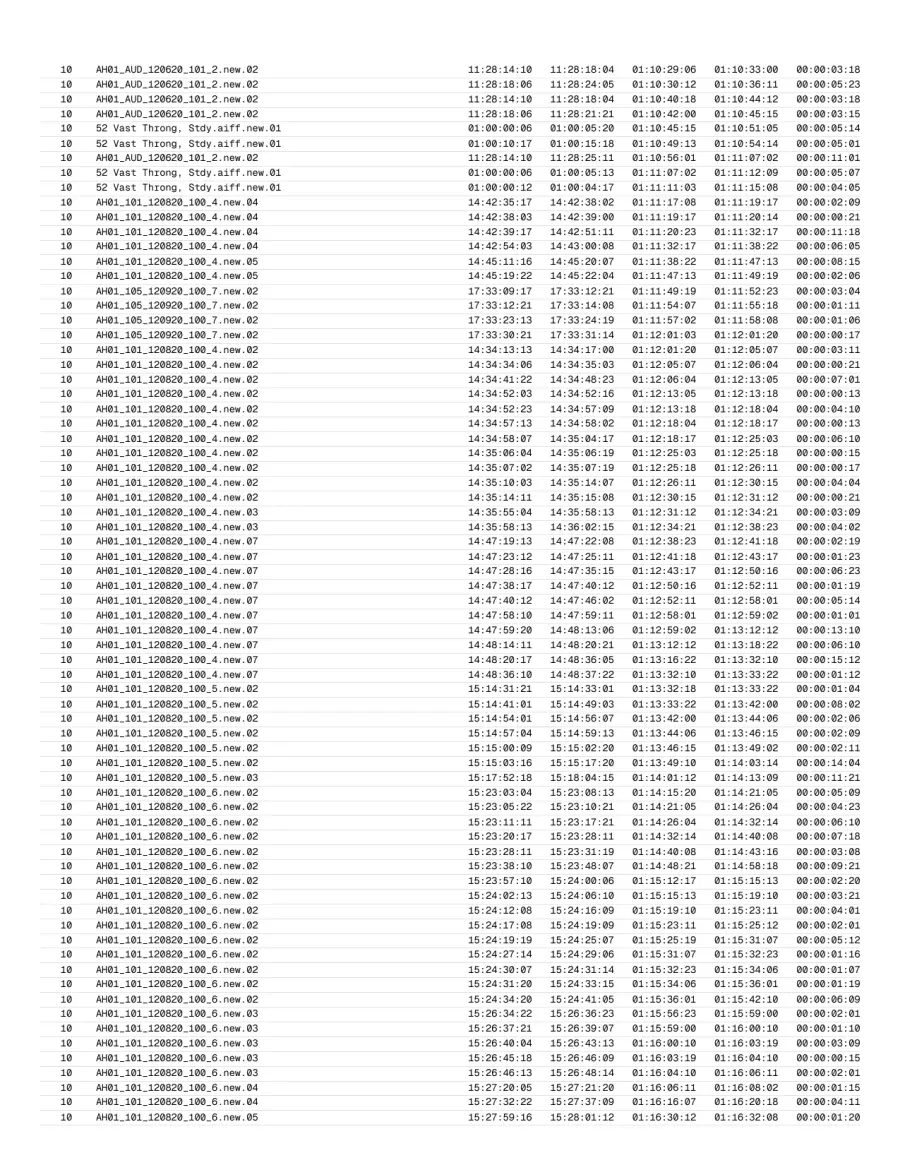
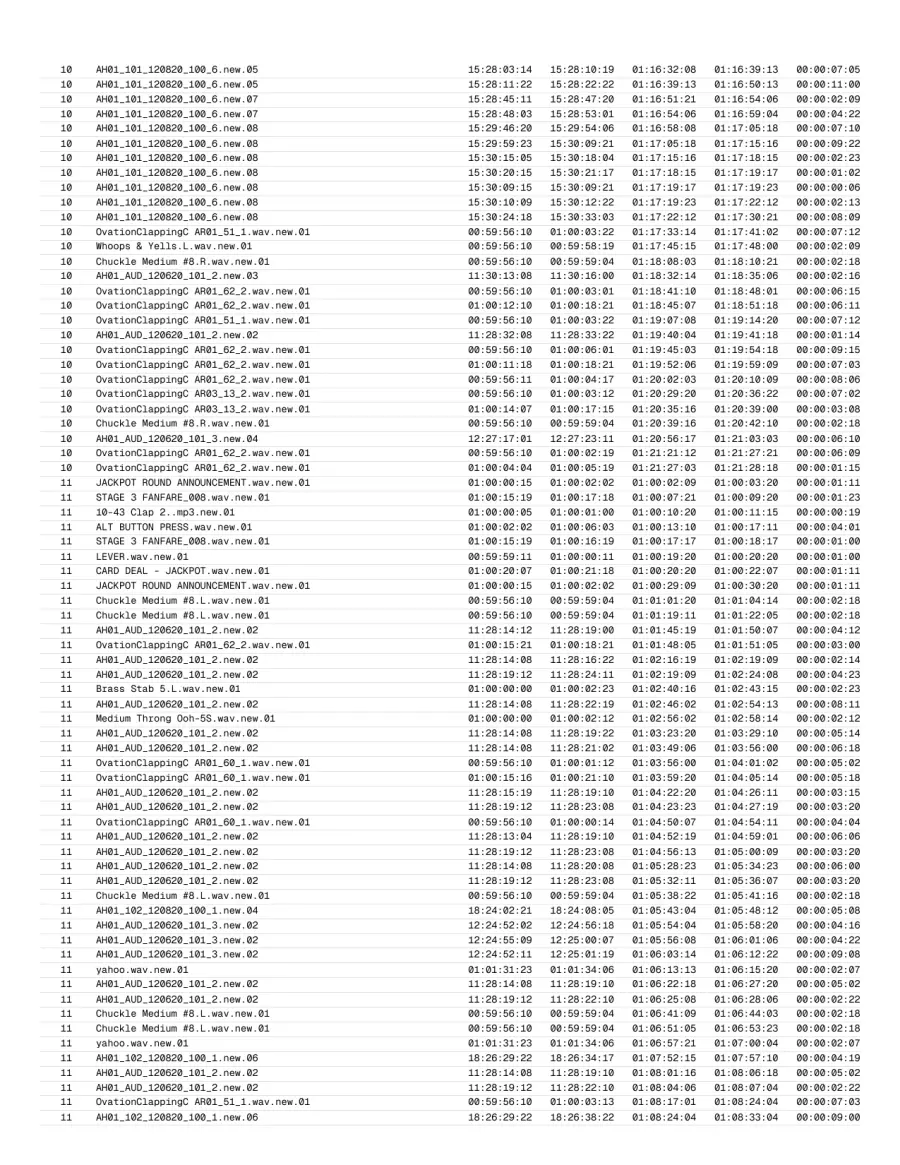
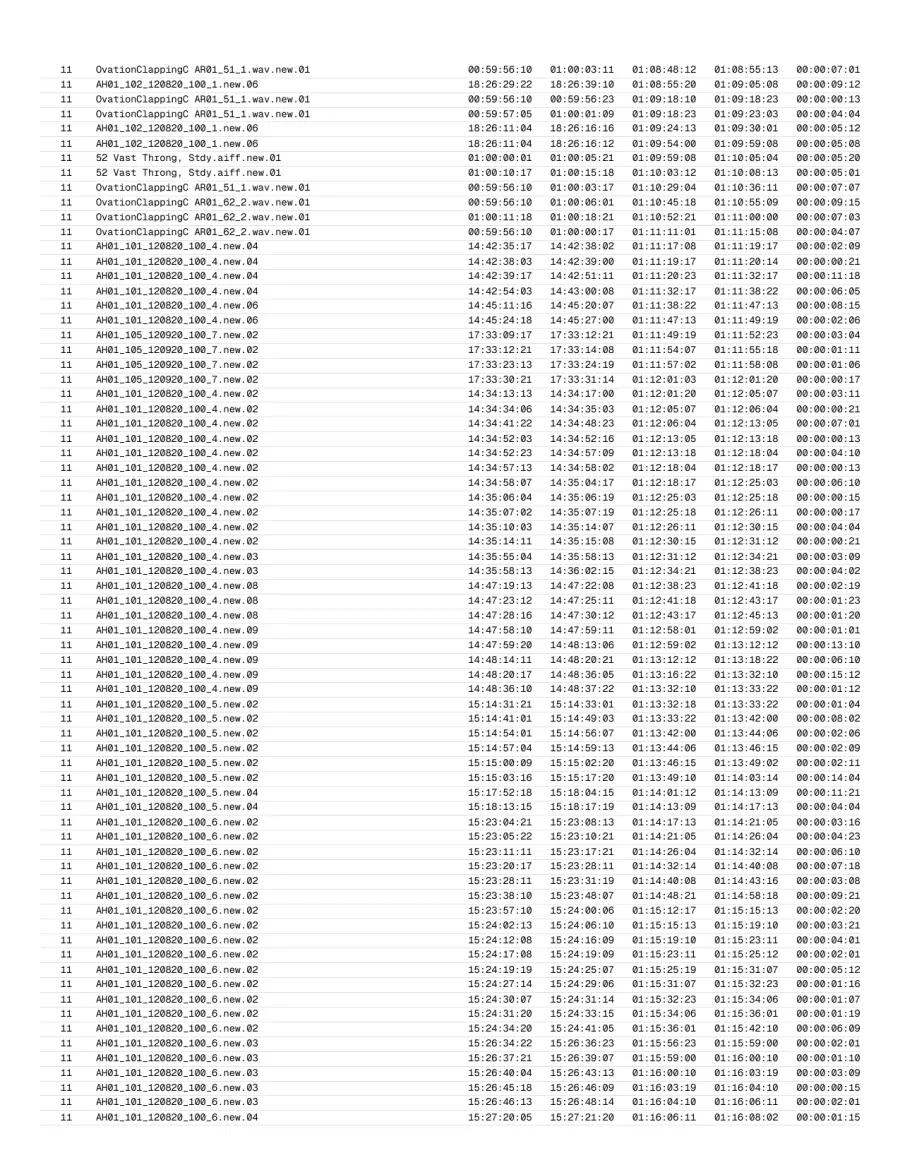
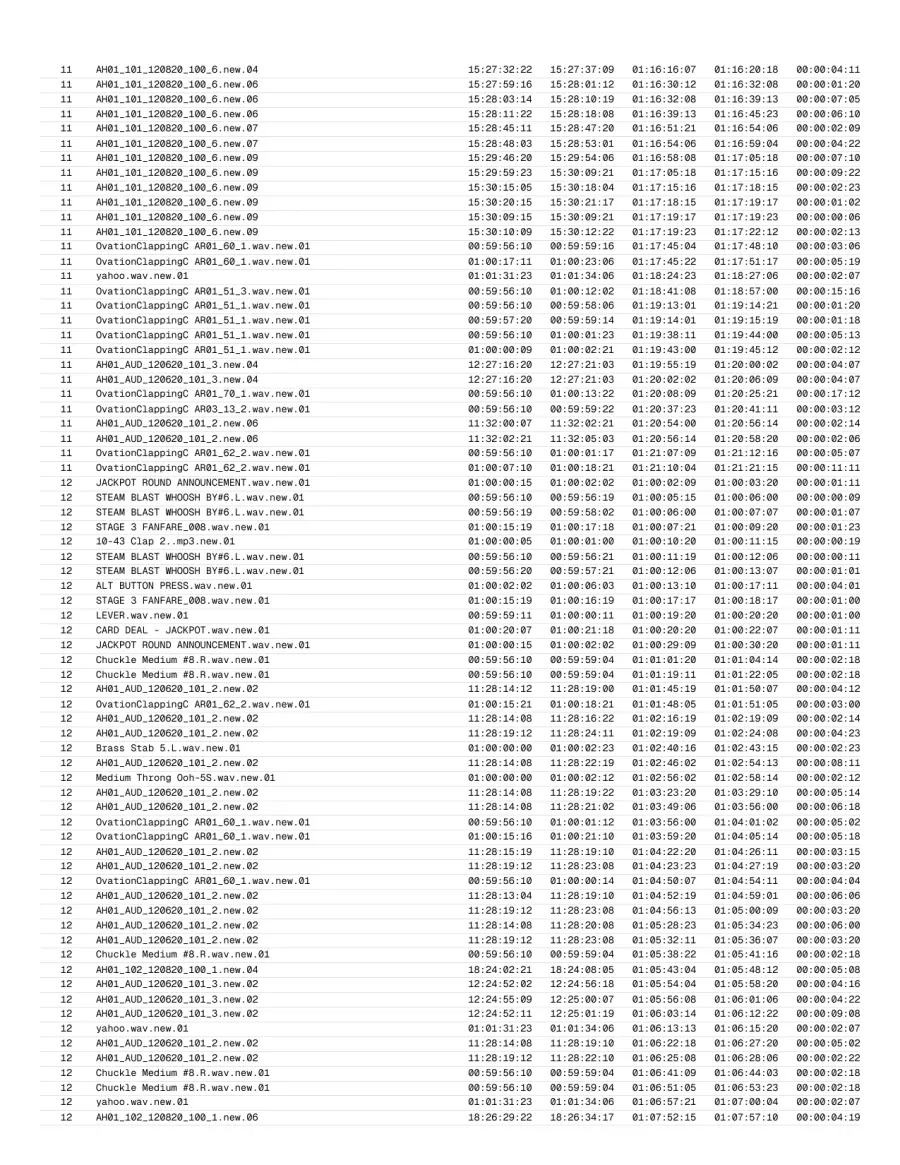
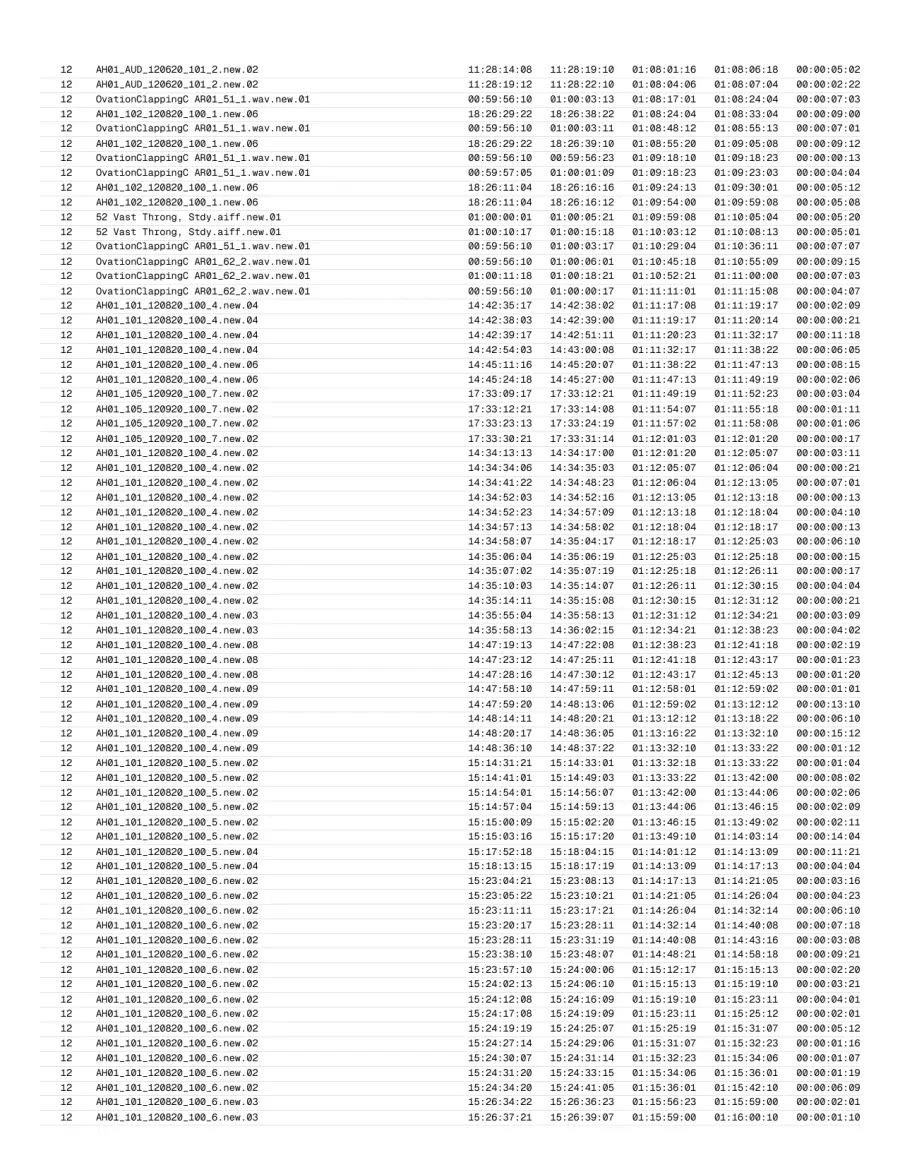
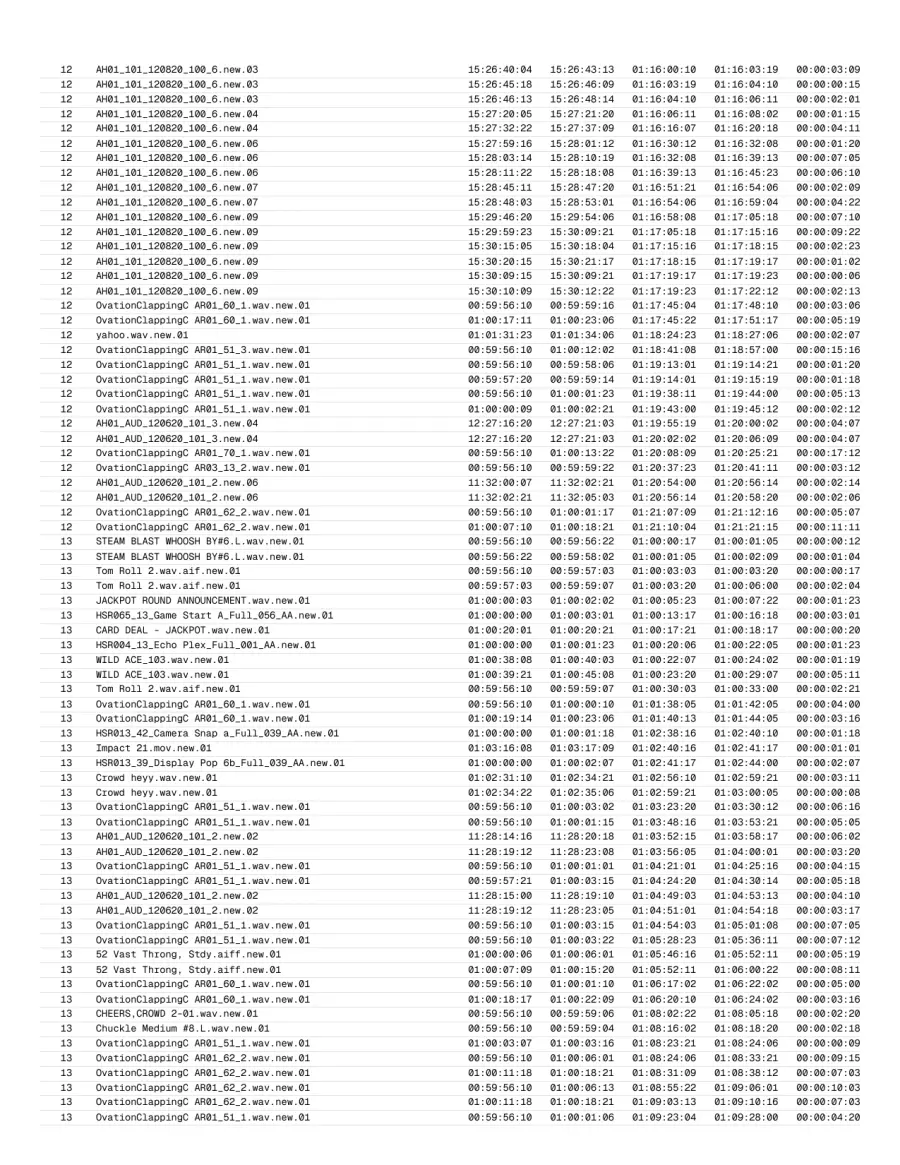
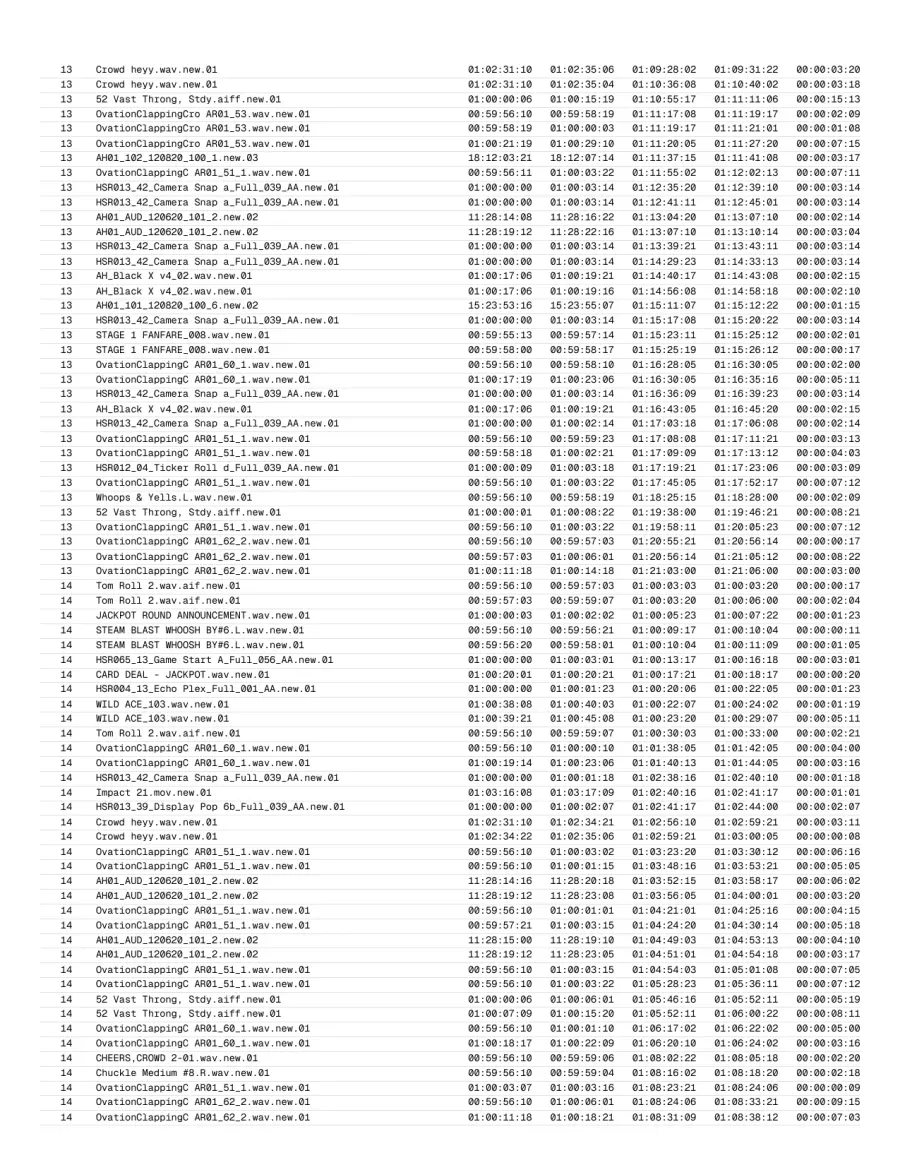
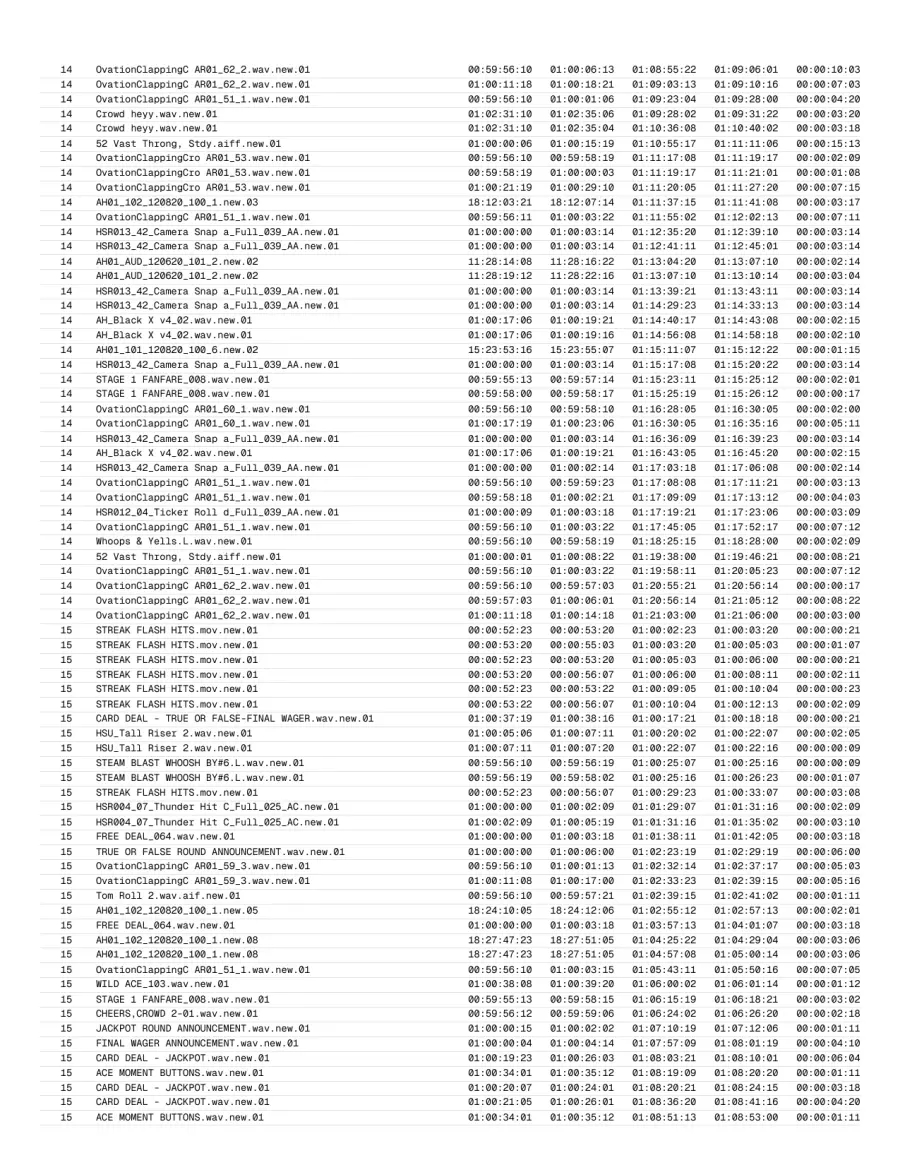
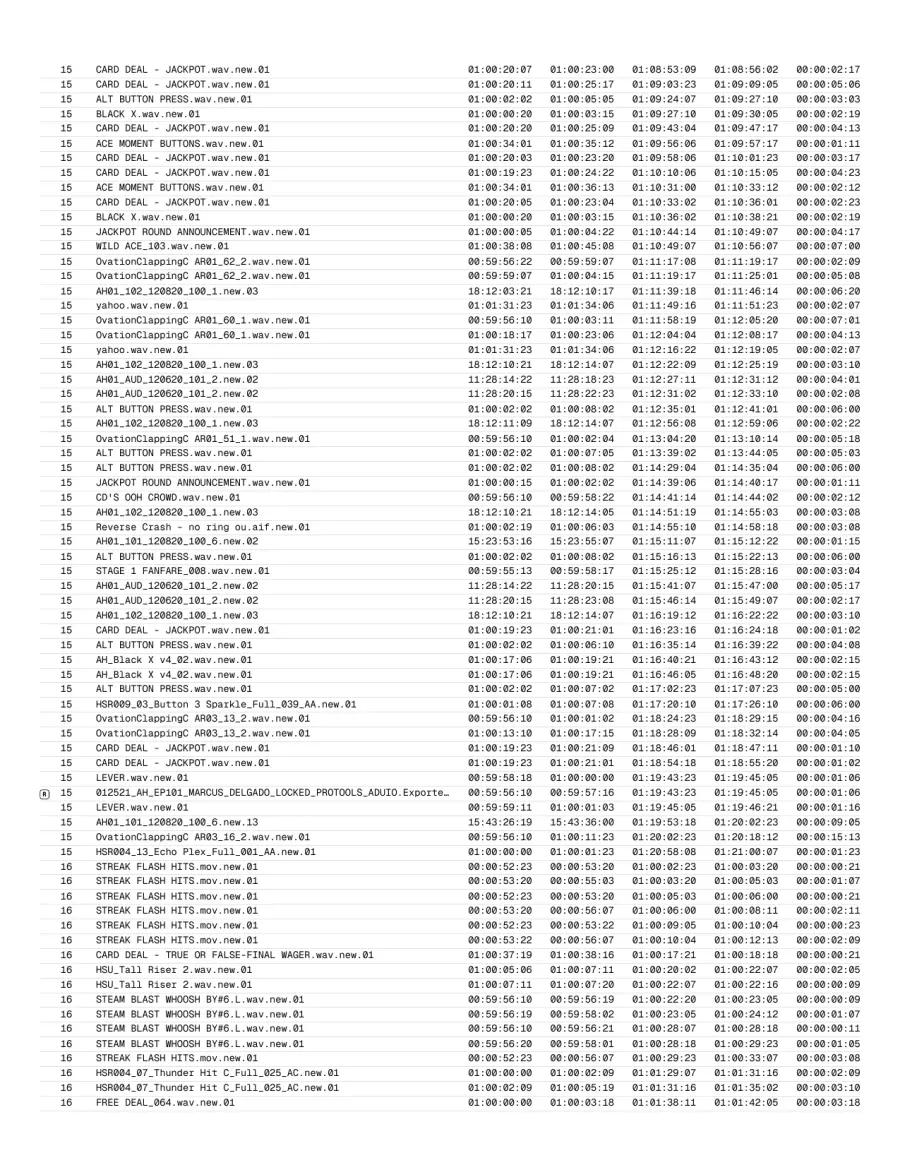
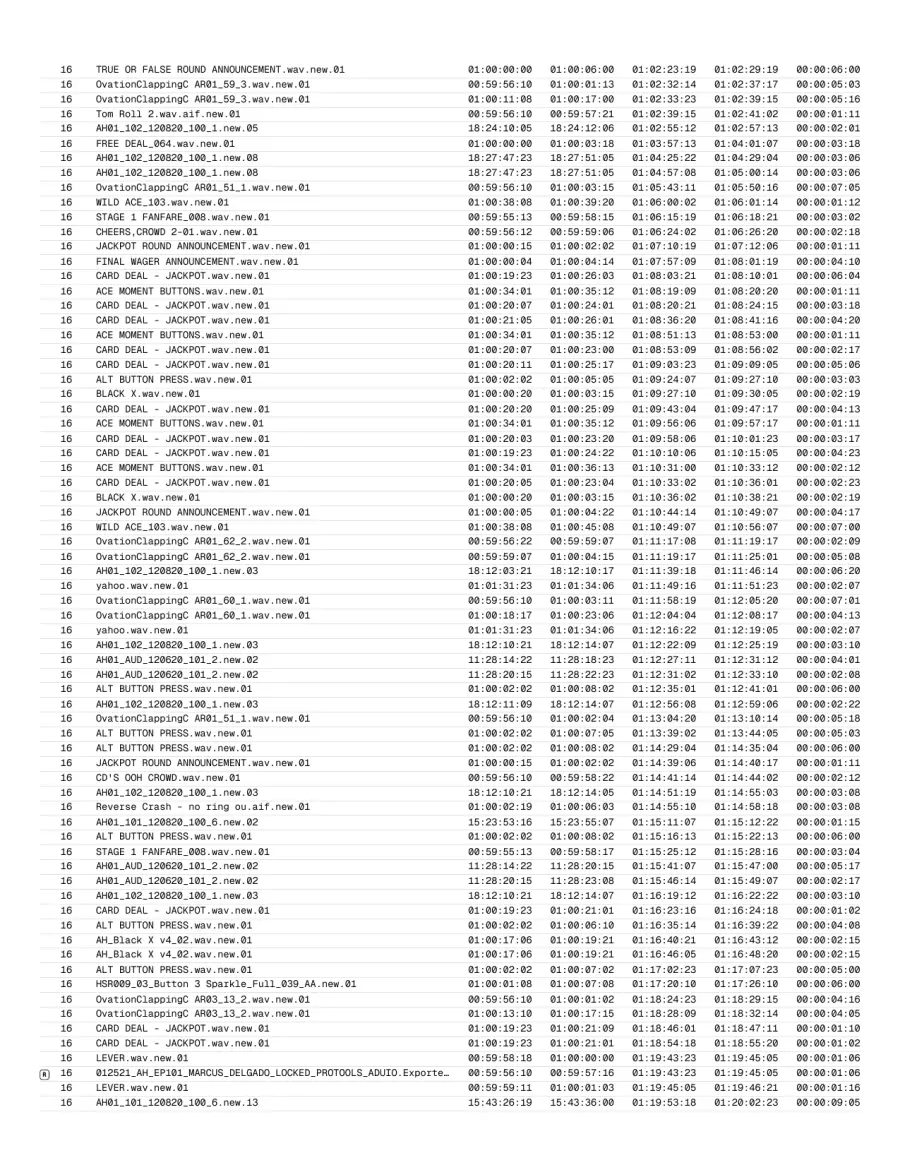
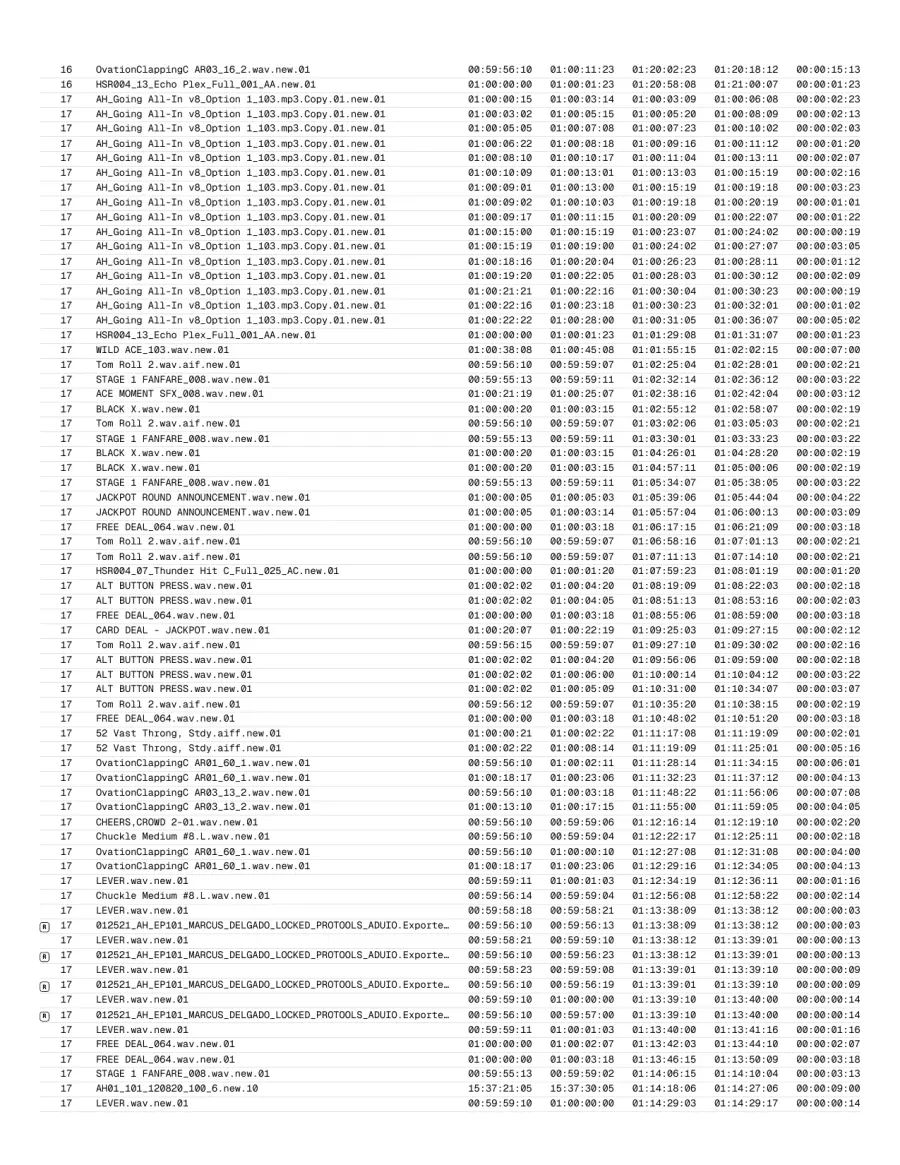
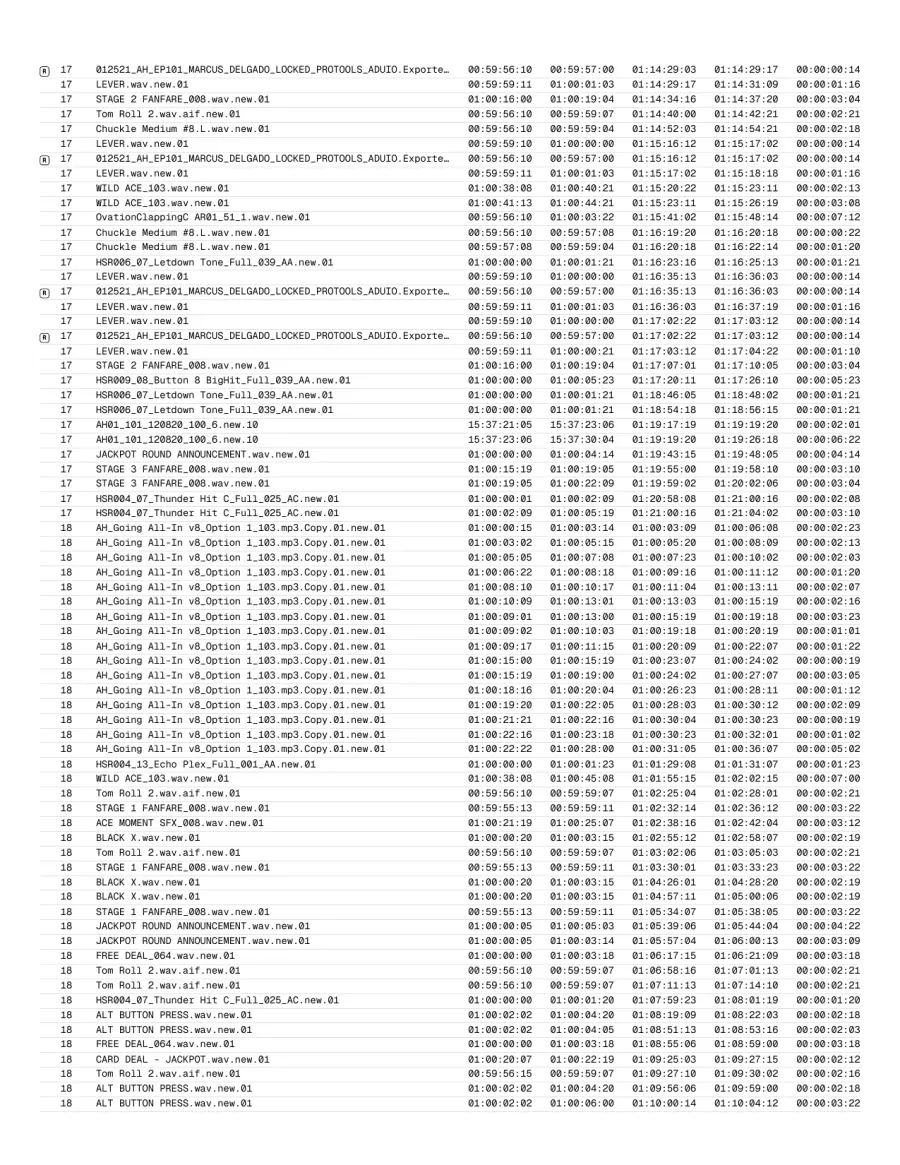
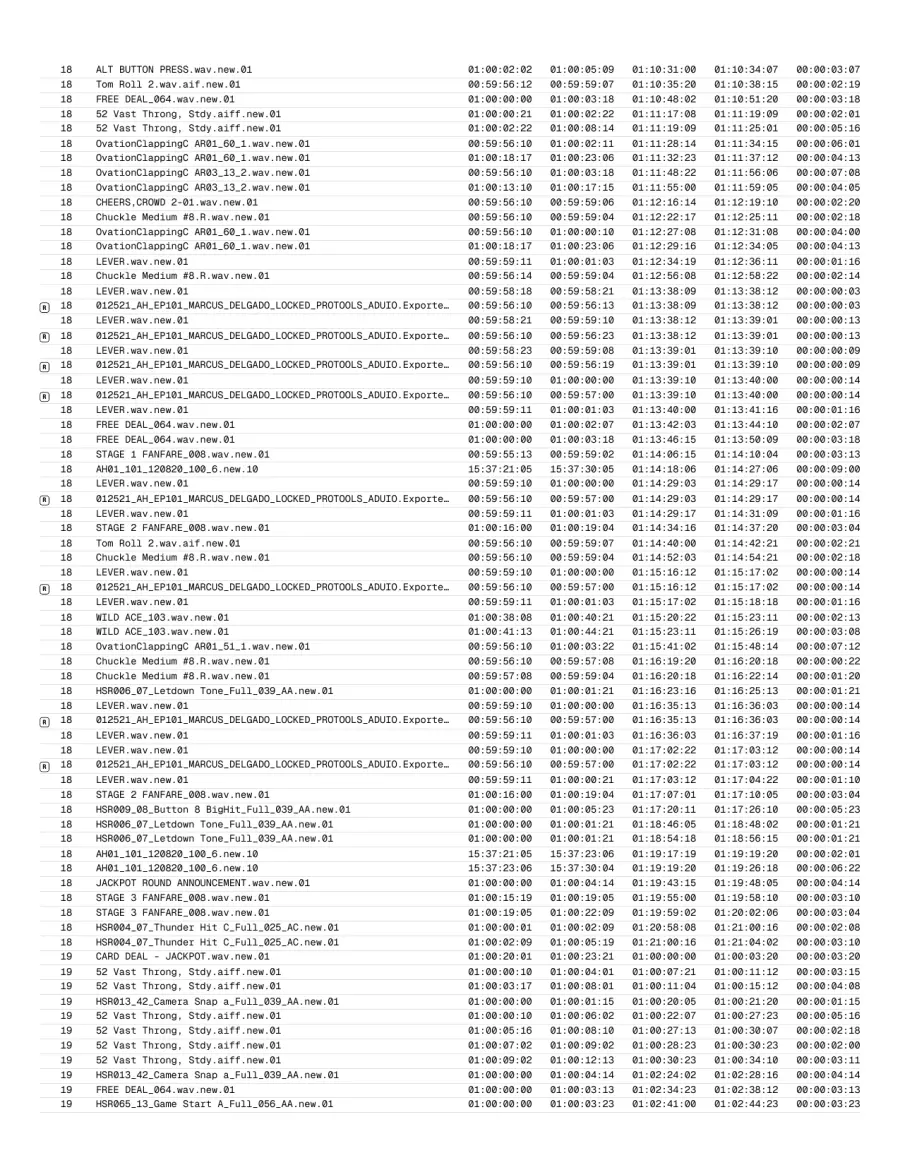
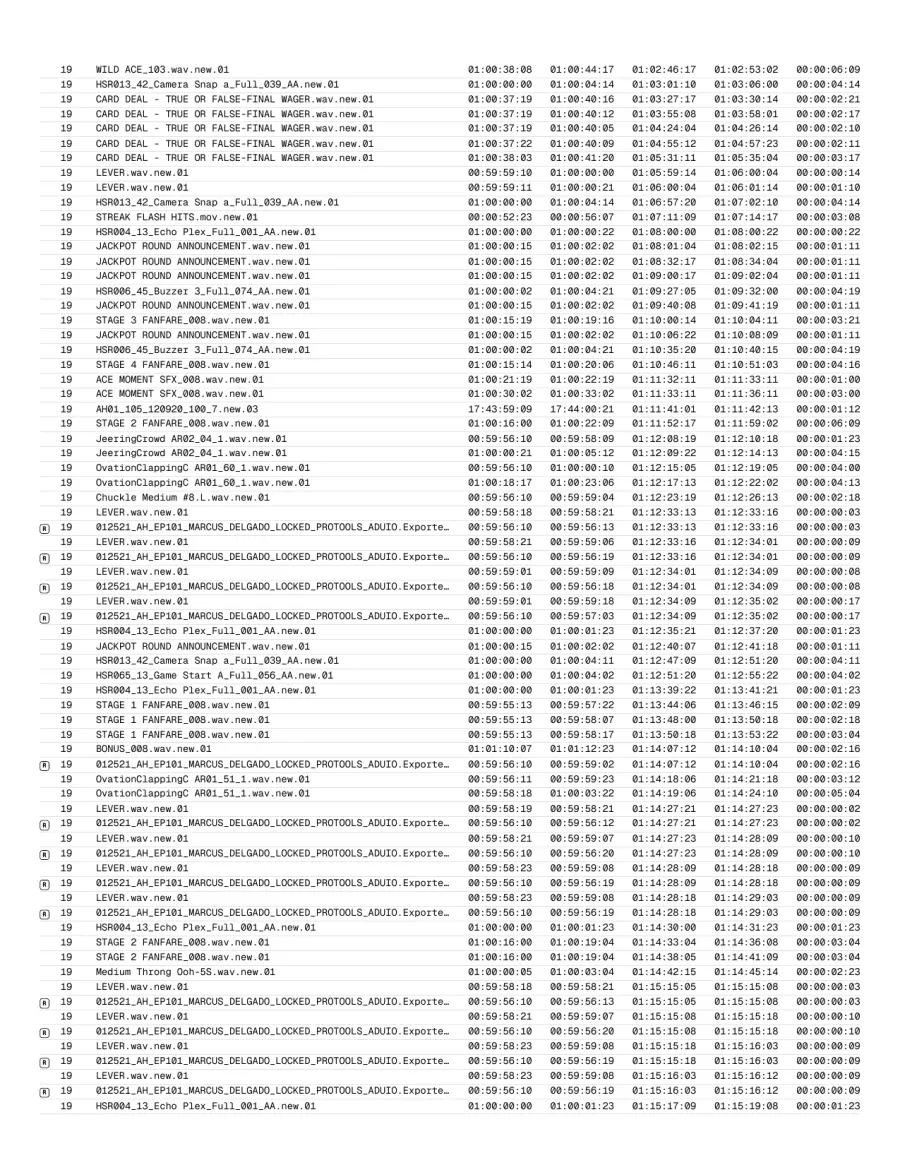
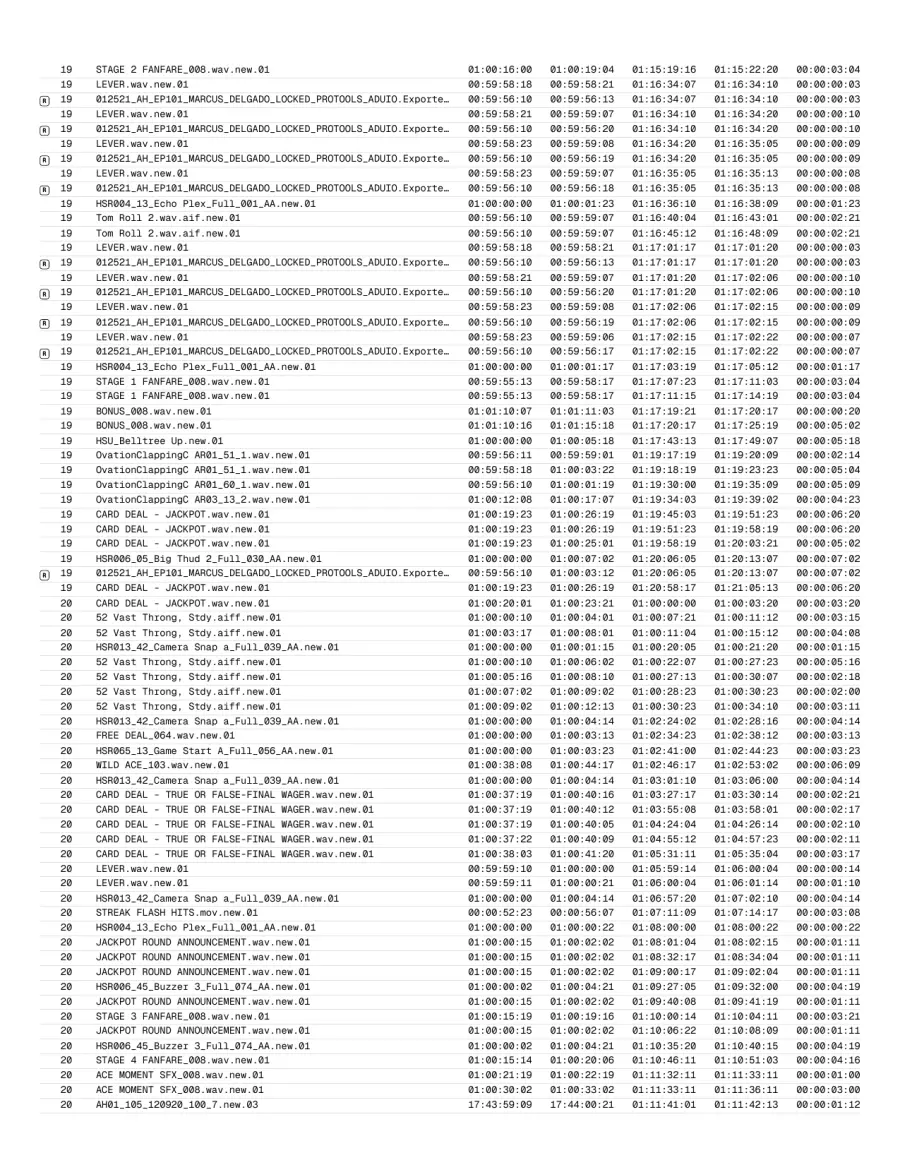
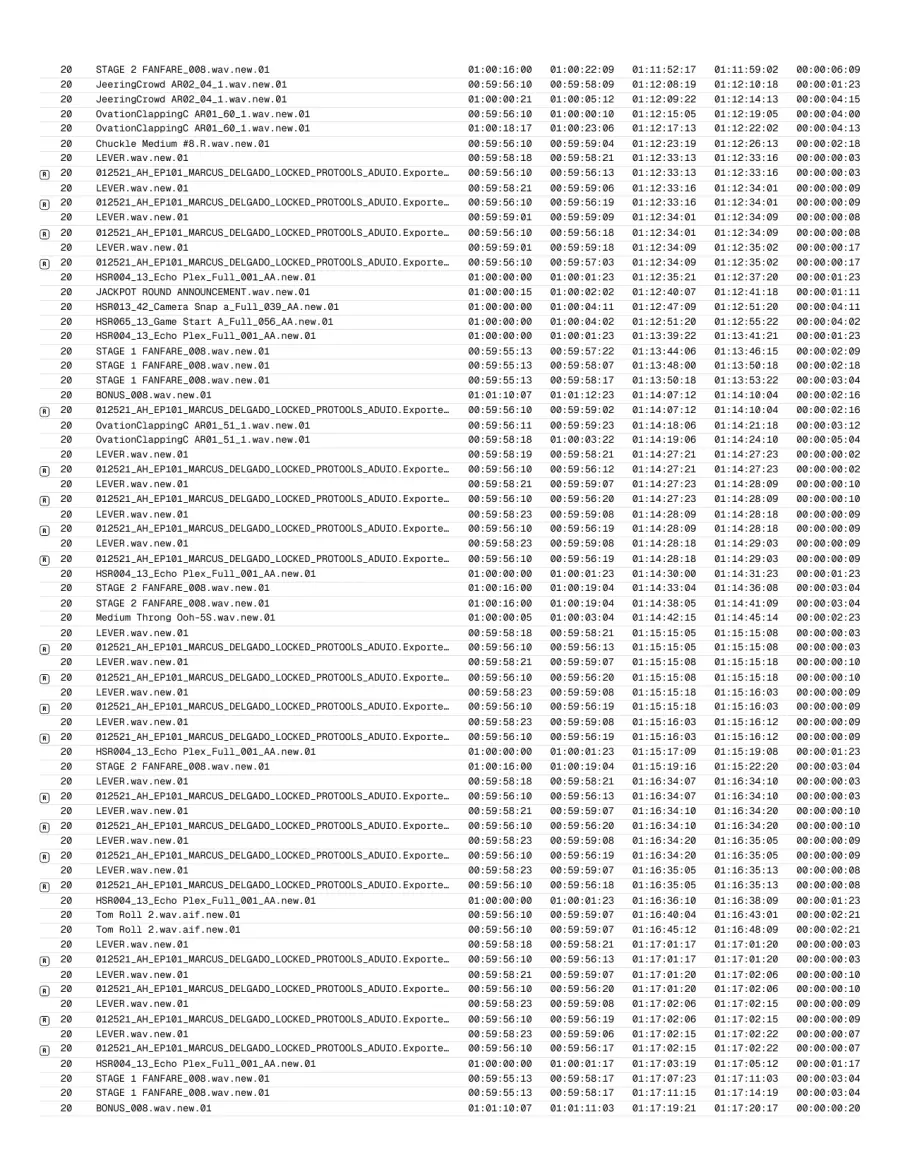
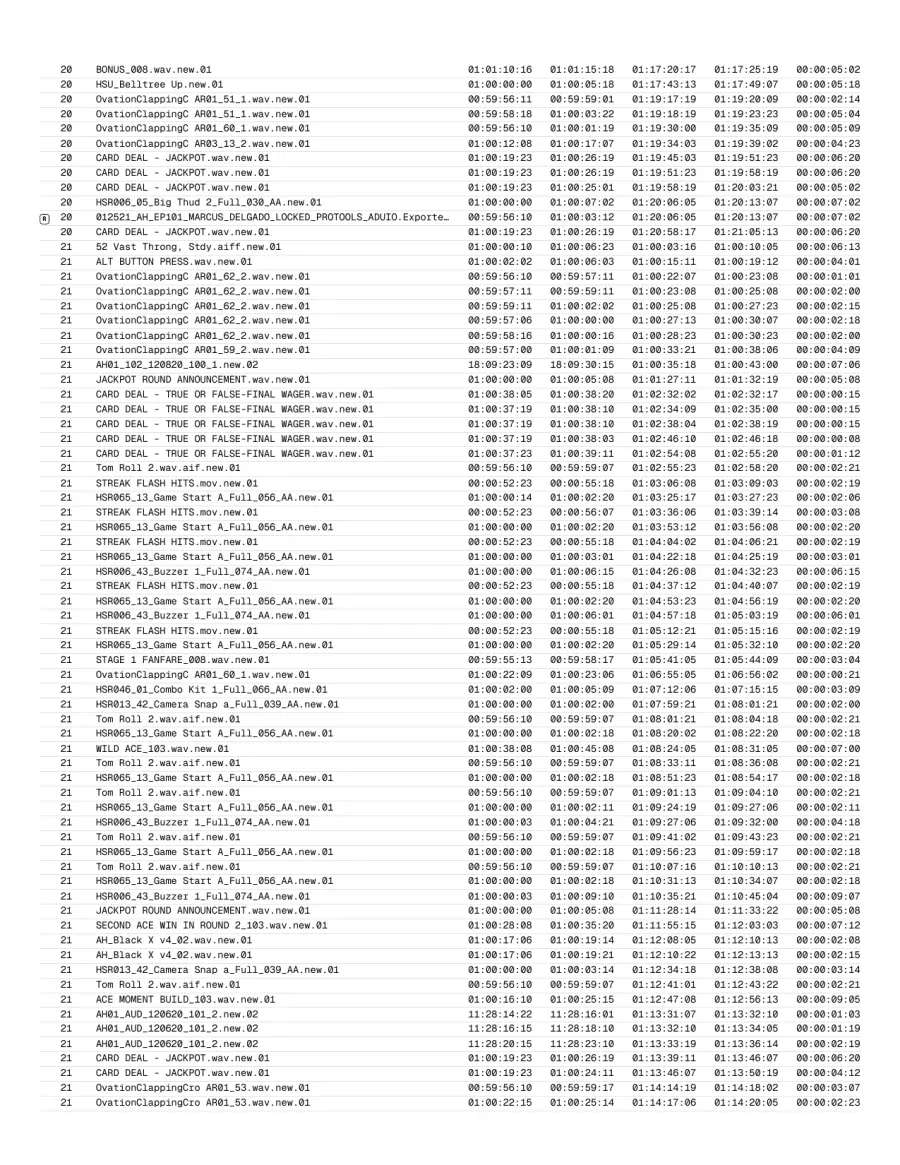
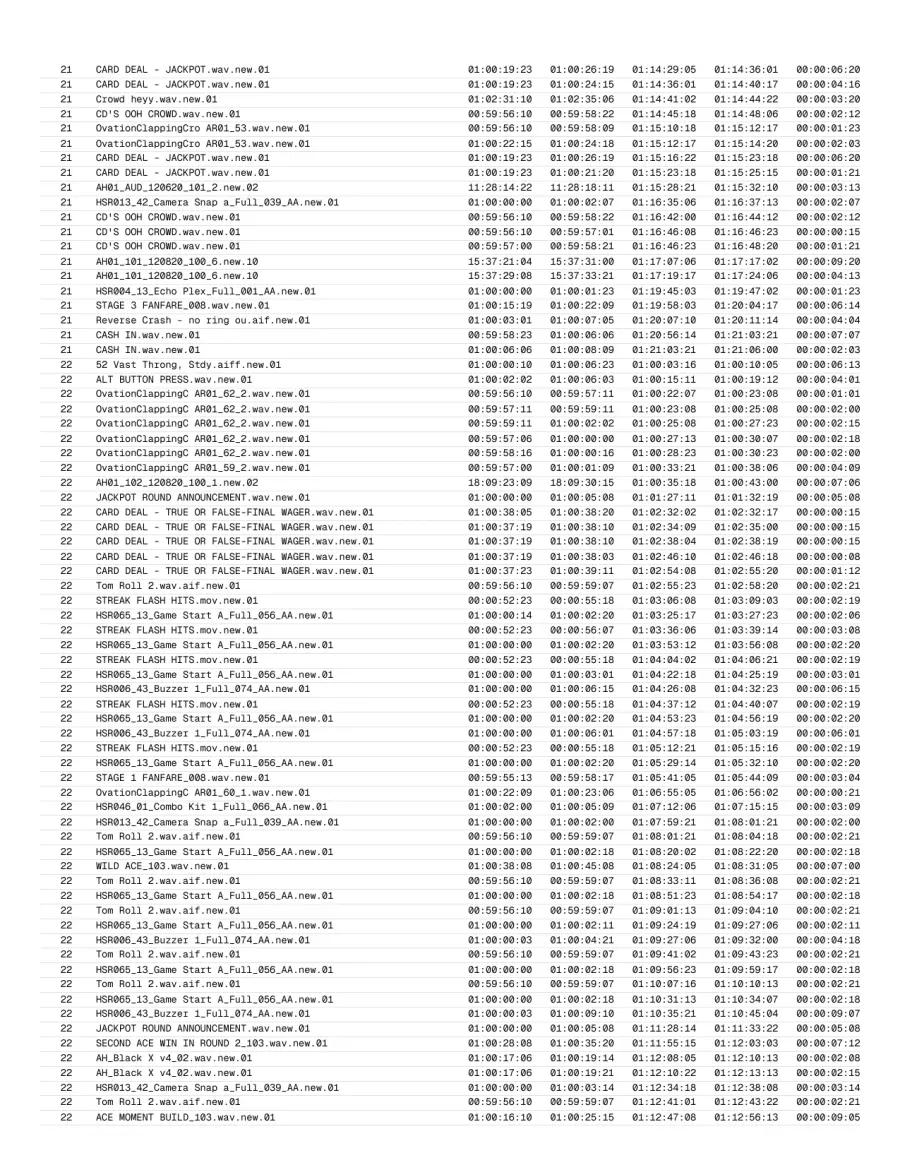
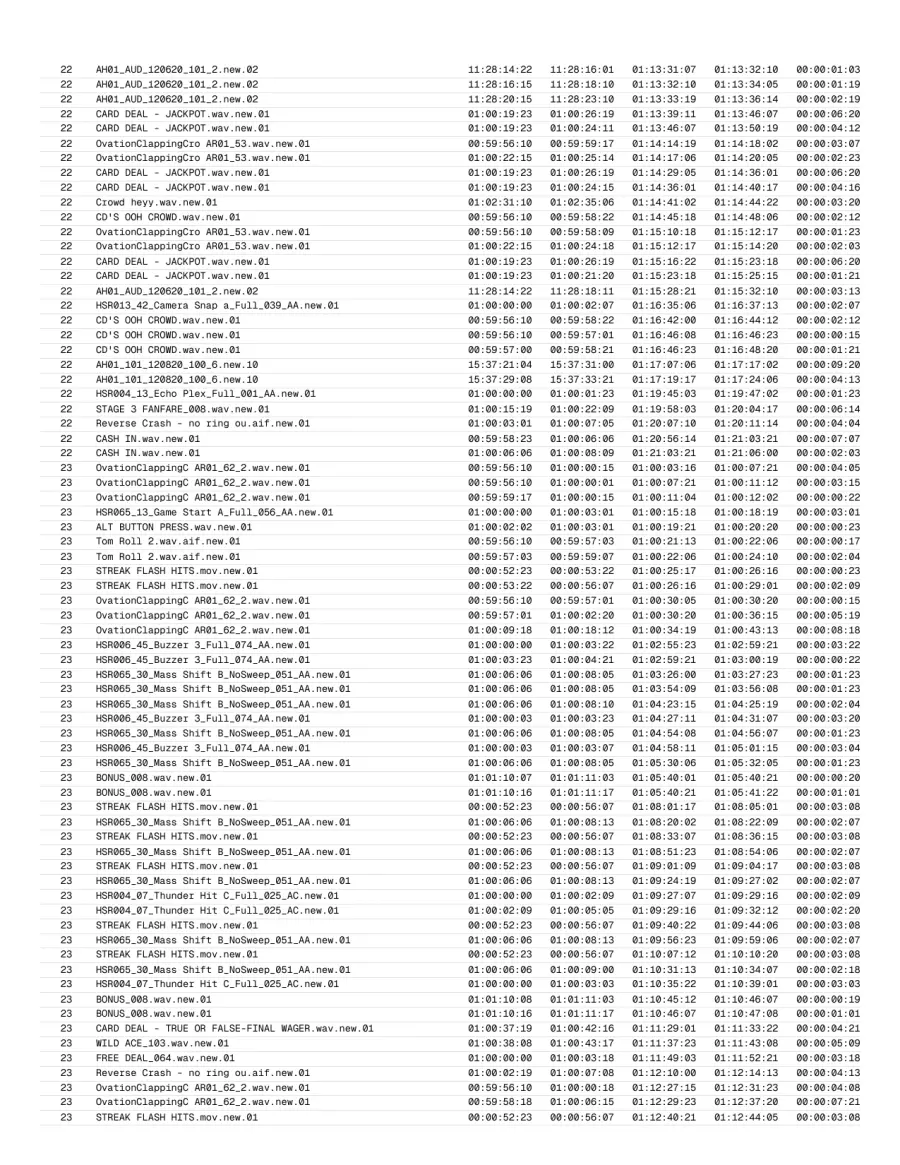
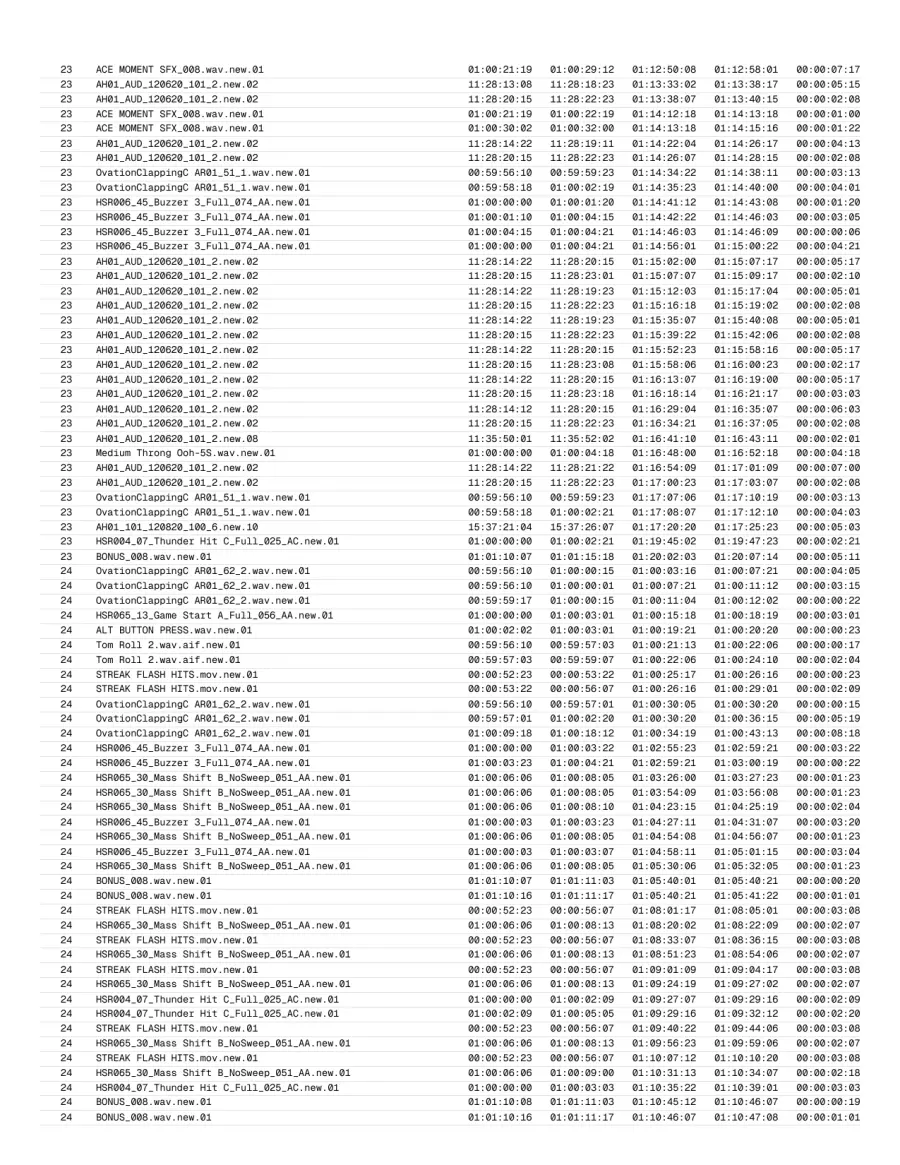
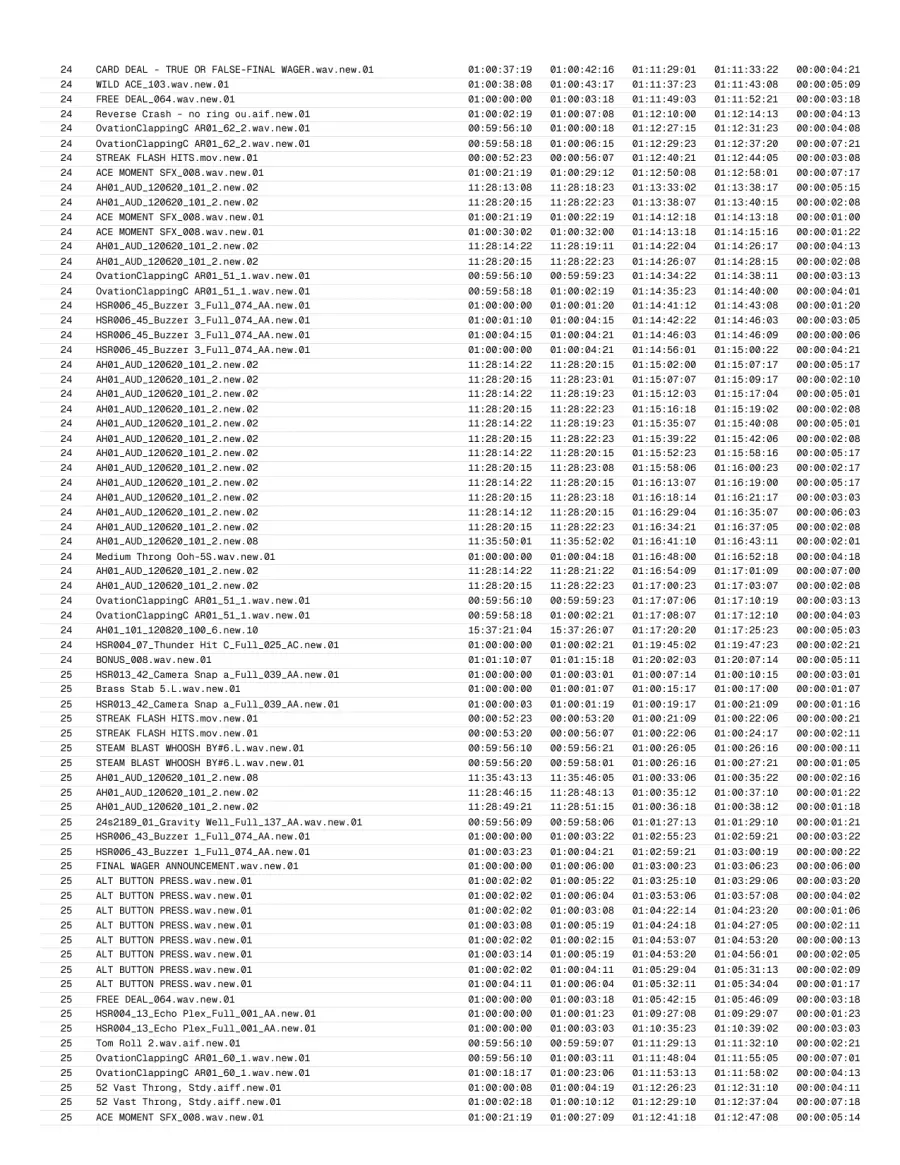
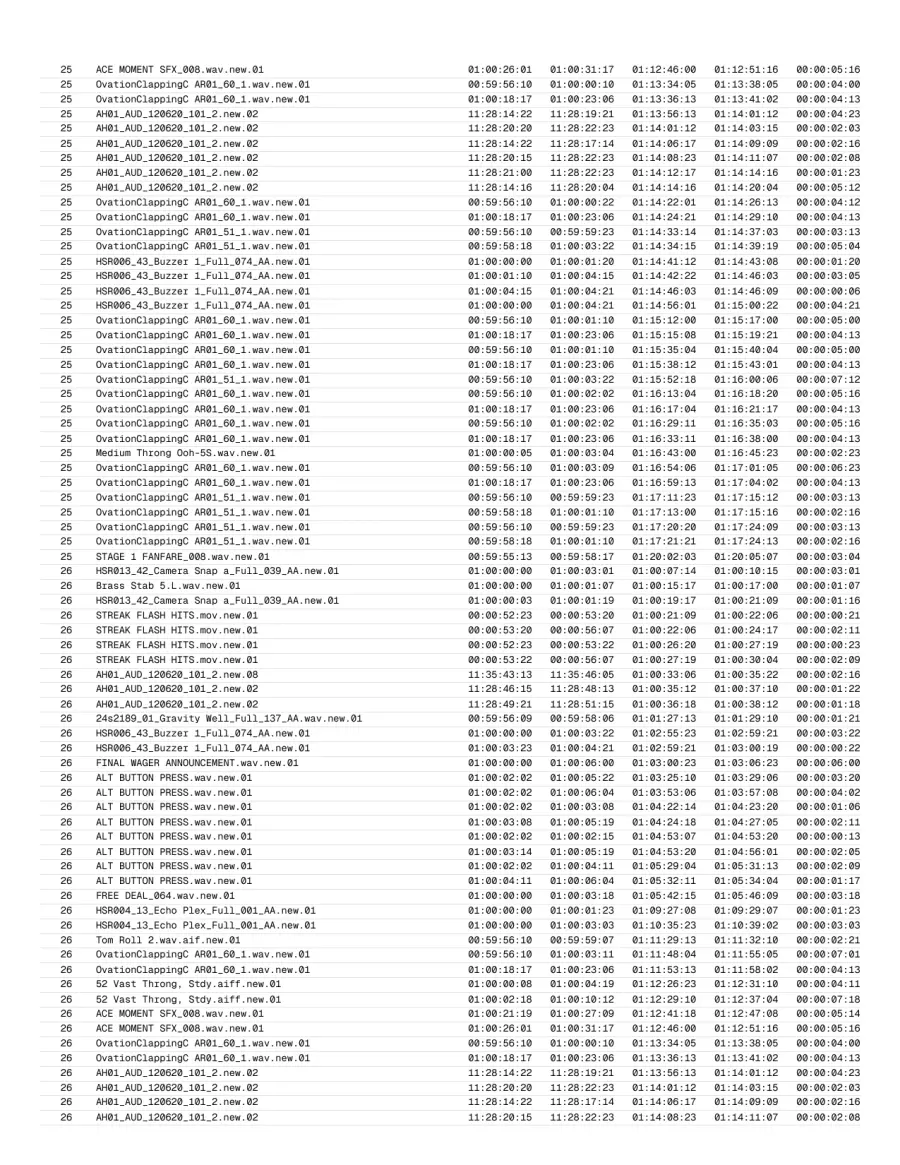
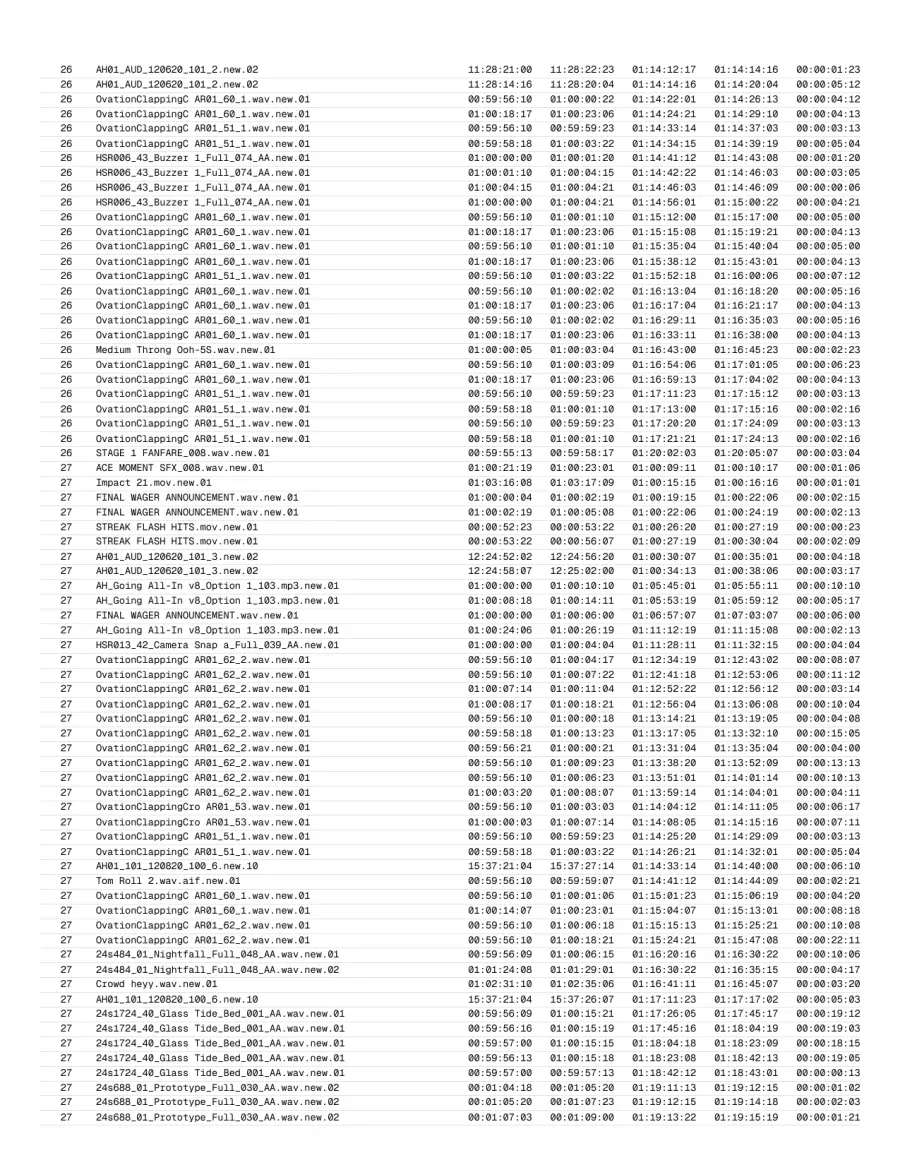
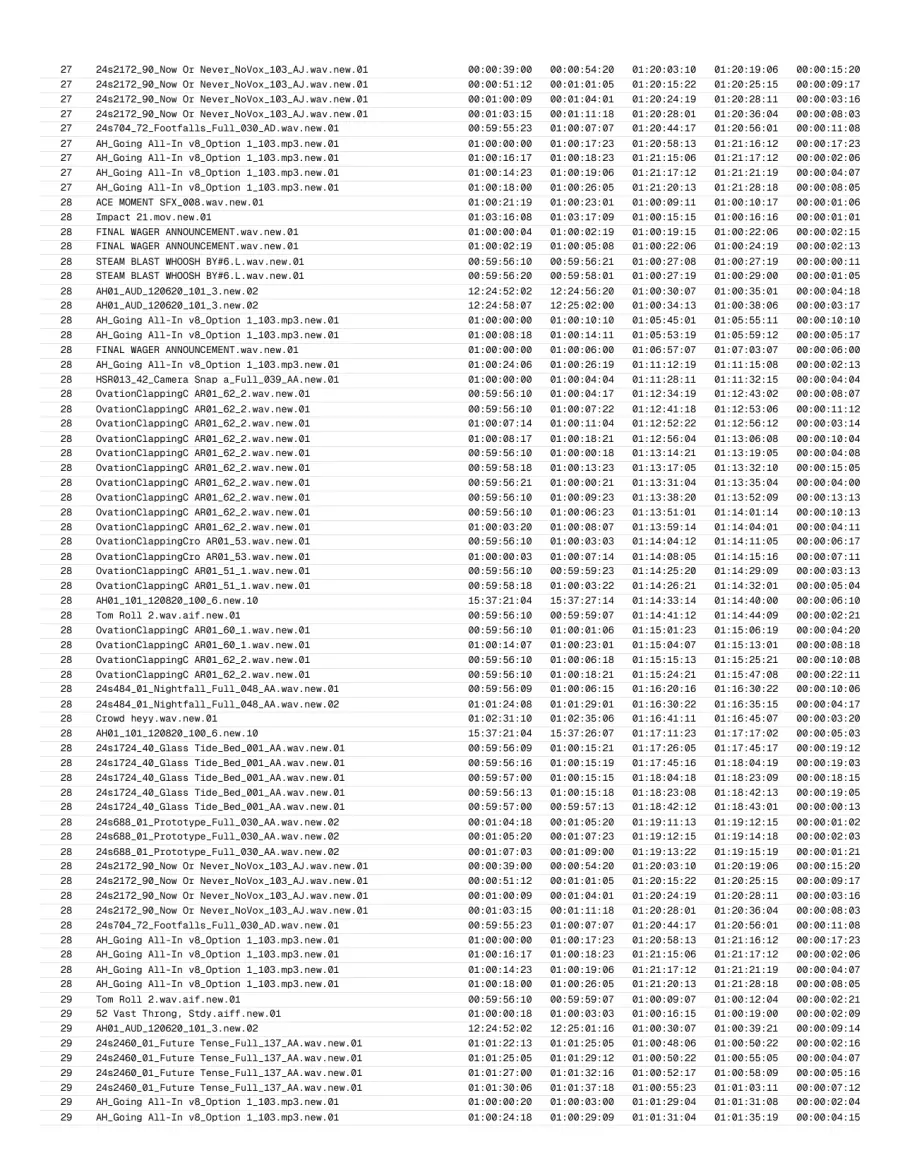
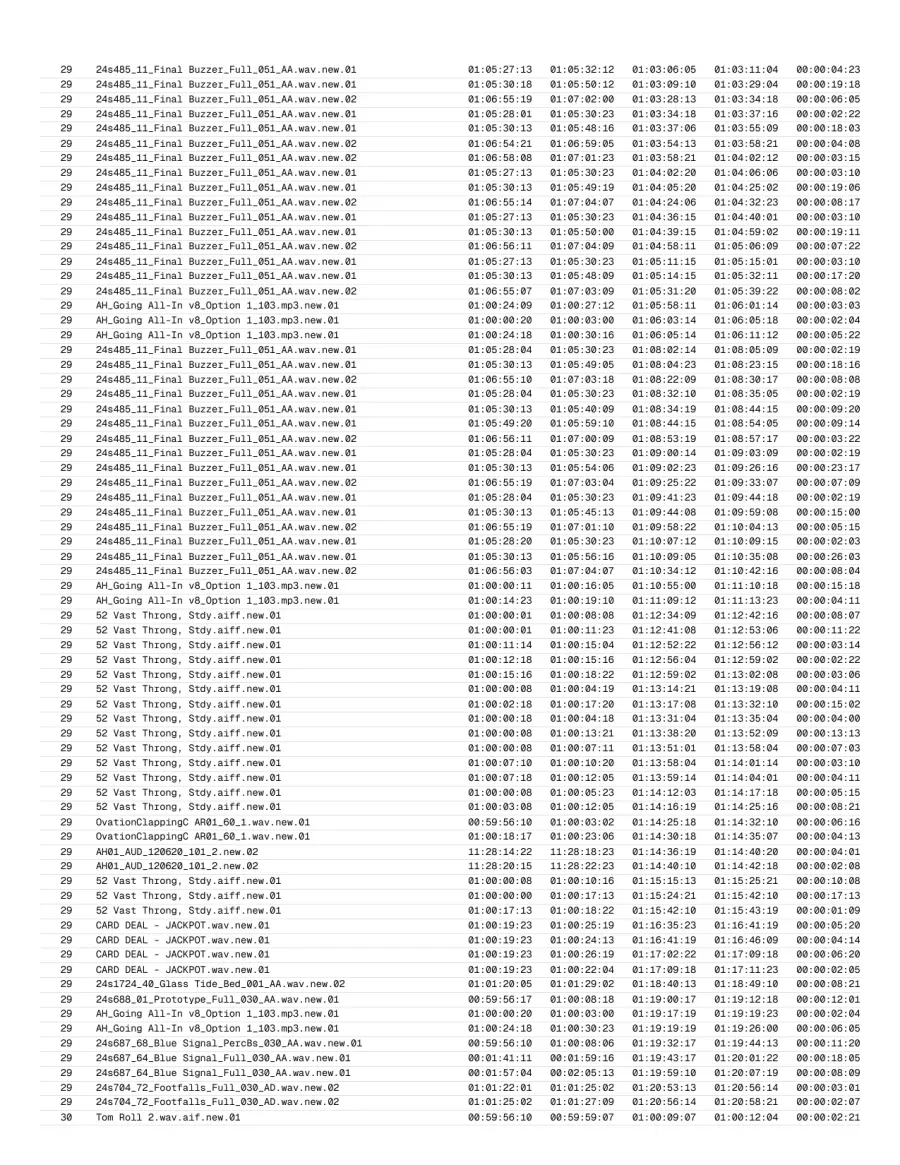
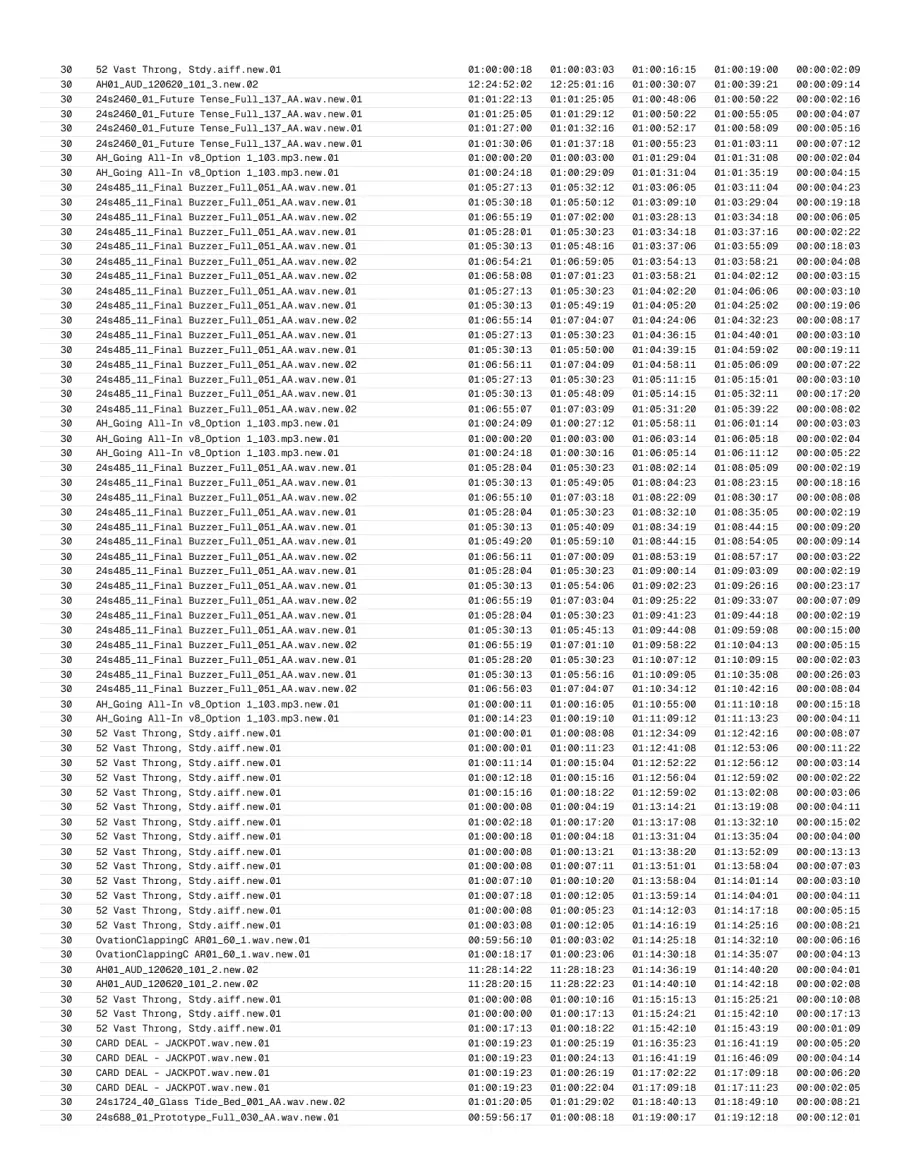
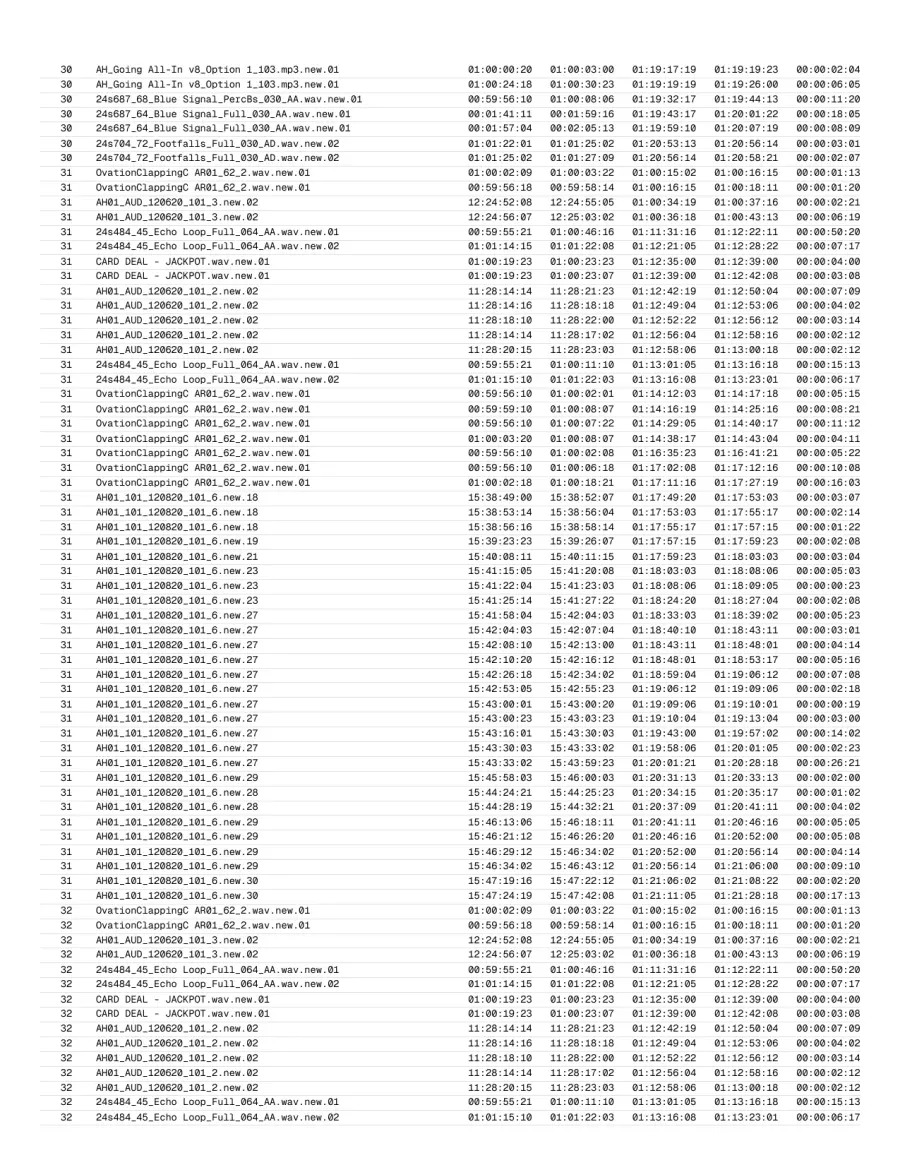
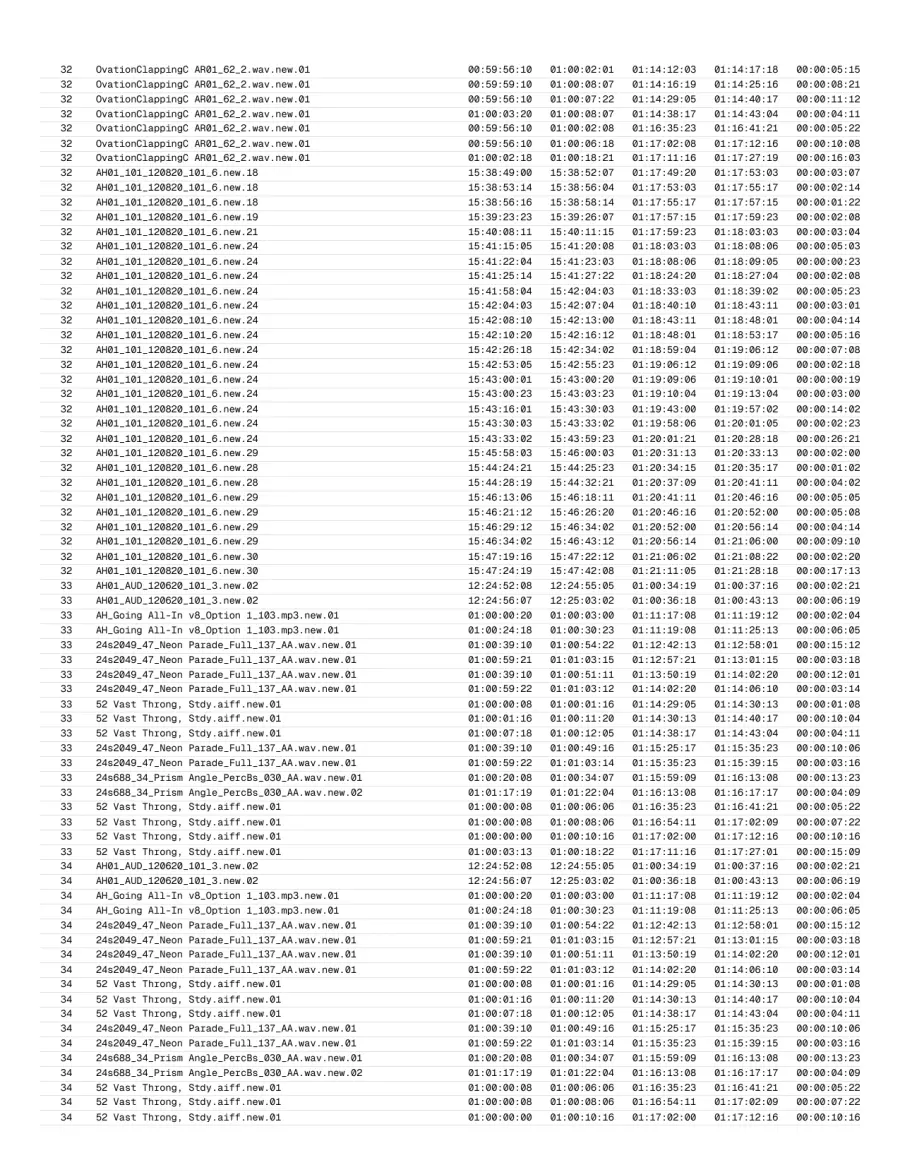
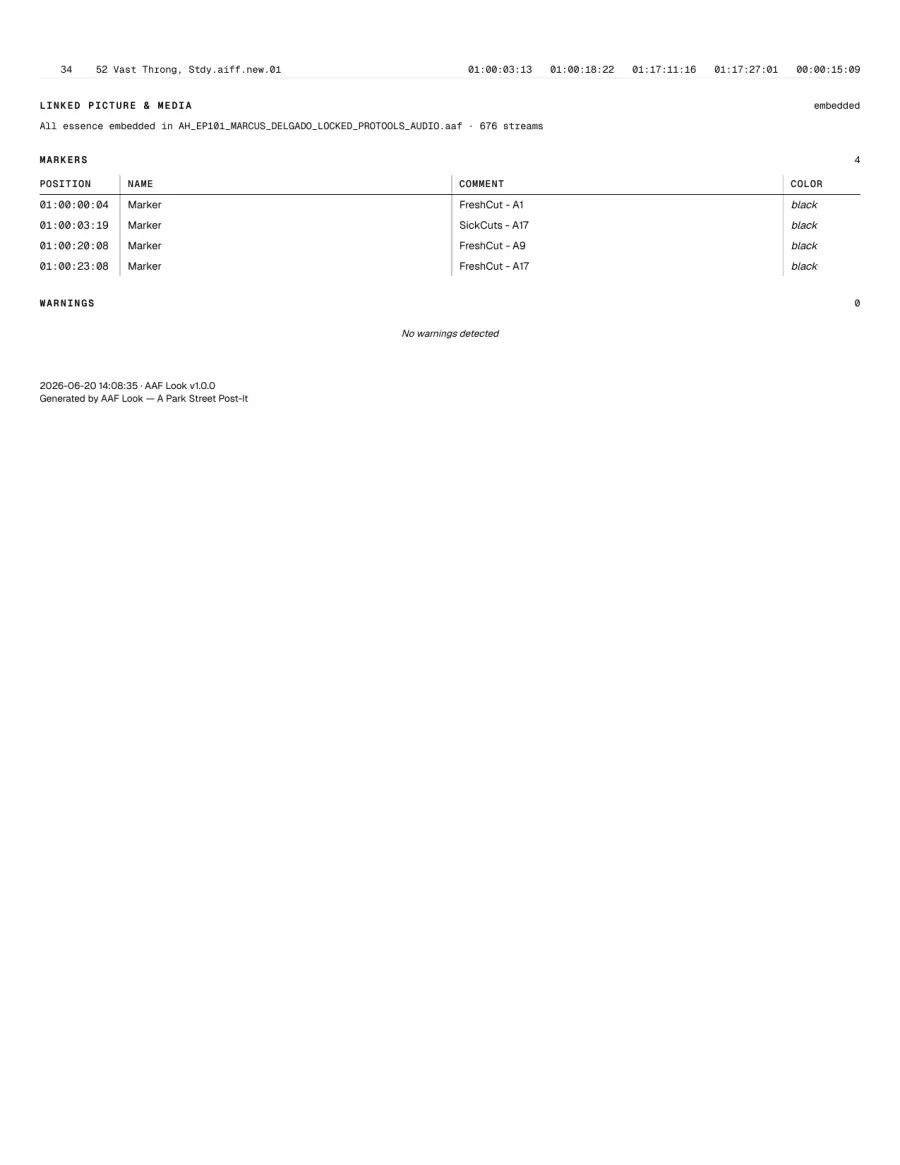
The report exports as a clean PDF: one self-contained file you can attach to the turnover, email to the mix house, or drop in the show folder. Whoever opens it sees the same one-sheet you did, laid out exactly the way you set it.
Pick the sections you want, put them in the order you like, then export. It lands right the first time. And when someone does need it on paper, it prints just as cleanly: page breaks fall between sections, table rows never split mid-cell, and a plain monochrome laser copy reads perfectly on Letter or A4.
Does it need an internet connection?
No. Never. The app, the QuickLook preview, and the license all work fully offline. We built it this way on purpose: post facilities routinely keep machines that handle sensitive material off the network, and your tools should not argue with that.
Does AAF Look play the timeline?
No. AAF Look is for instant inspection: tracks, clips, timecode, markers, source files, and clean PDF reports. It does not play audio or scrub the cut. Playback is the job of AAF Player, a separate app that opens the same turnover and plays it back.
How many Macs can I install it on?
The ones you personally use: the desktop, the laptop, the bay. We do not count machines or phone home to check. The license has your name on it; we trust you not to hand it around.
What happens when version 2 comes out?
Your 1.x license includes every 1.x update and keeps working forever. A future major version would be a separate purchase, and your old license never stops unlocking the version you bought.
Setup steps and the full FAQ live in the AAF Look help. Something else on your mind? Email support; the person who built it answers the mail.